

3.7.91239541.9 MB
MIT
strict
core24
Audacity is the world's most popular audio editing and recording app
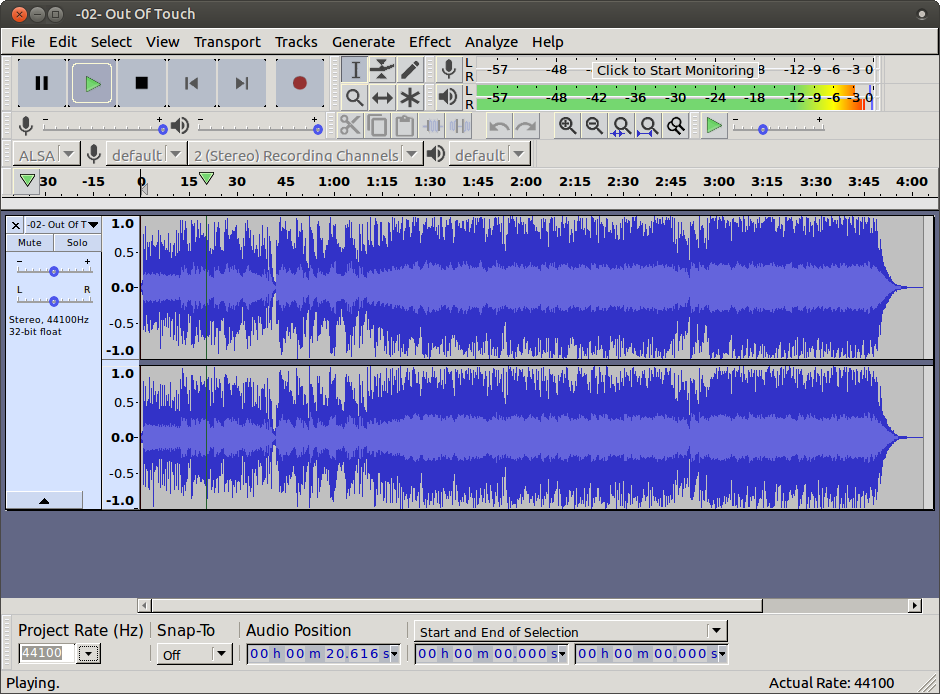
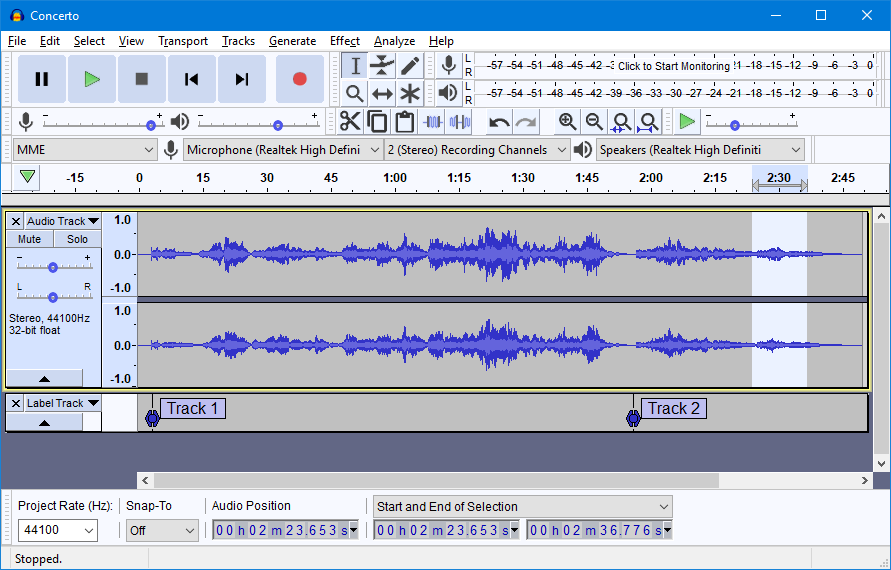
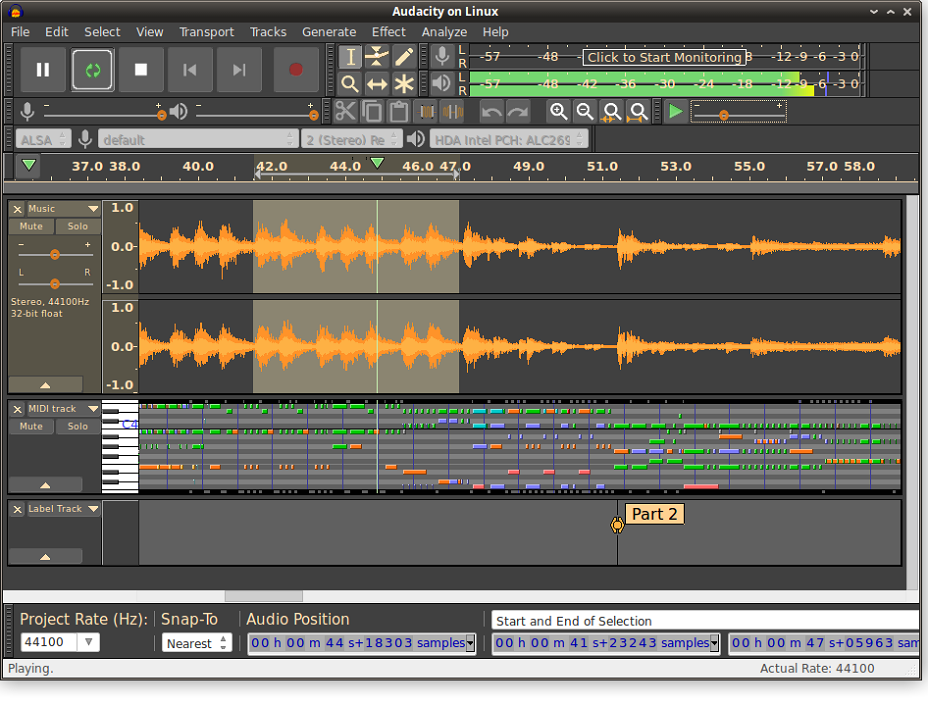
Audacity® is a free, easy-to-use, multi-track audio editor and recorder for Windows,
Mac OS X, GNU/Linux and other operating systems. The interface is translated into
many languages.
You can use Audacity to:
This snap also includes OpenVINO™ AI plugins for music separation, noise suppression,
music generation and continuation, transcription, and super resolution. These plugins
can only be run on Intel hardware (CPU, GPU, and NPU) and a user must be in the render
Unix group in order to run on Intel accelerators (GPU and NPU). To ease the installation
of the AI models, the snap also includes a model management command that can be run using:
sudo audacity.fetch-models
For Intel NPU support, make sure to also run the following prior to running Audacity:
sudo snap install intel-npu-driver
sudo snap connect audacity:npu-libs intel-npu-driver:npu-libs
Mac OS X, GNU/Linux and other operating systems. The interface is translated into
many languages.
You can use Audacity to:
- Record live audio
- Convert tapes and records into digital recordings or CDs
- Edit WAV, AIFF, FLAC, MP2, MP3 or Ogg Vorbis sound files
- Cut, copy, splice or mix sounds together
- Change the speed or pitch of a recording
- Apply a wide range of other effects to audio recordings
This snap also includes OpenVINO™ AI plugins for music separation, noise suppression,
music generation and continuation, transcription, and super resolution. These plugins
can only be run on Intel hardware (CPU, GPU, and NPU) and a user must be in the render
Unix group in order to run on Intel accelerators (GPU and NPU). To ease the installation
of the AI models, the snap also includes a model management command that can be run using:
sudo audacity.fetch-models
For Intel NPU support, make sure to also run the following prior to running Audacity:
sudo snap install intel-npu-driver
sudo snap connect audacity:npu-libs intel-npu-driver:npu-libs
Update History
3.7.9 1235 → 12395 Sept 2026, 13:15 UTC
3.7.9 1234 → 12353 Sept 2026, 09:30 UTC
3.7.8 (1230) → 3.7.9 (1234)2 Sept 2026, 19:45 UTC
3.7.8 1226 → 123024 Aug 2026, 17:45 UTC
3.7.7 (1222) → 3.7.8 (1226)18 Jun 2026, 14:45 UTC
3.7.5 (1212) → 3.7.7 (1222)27 May 2026, 07:45 UTC
3.7.5 (1212)13 Dec 2025, 09:47 UTC
3 Feb 2018, 01:04 UTC
5 Sept 2026, 10:29 UTC
13 Dec 2025, 09:47 UTC