
2.0.7122.8 MB
AGPL-3.0
strict
core22
Bibata Cursor Theme



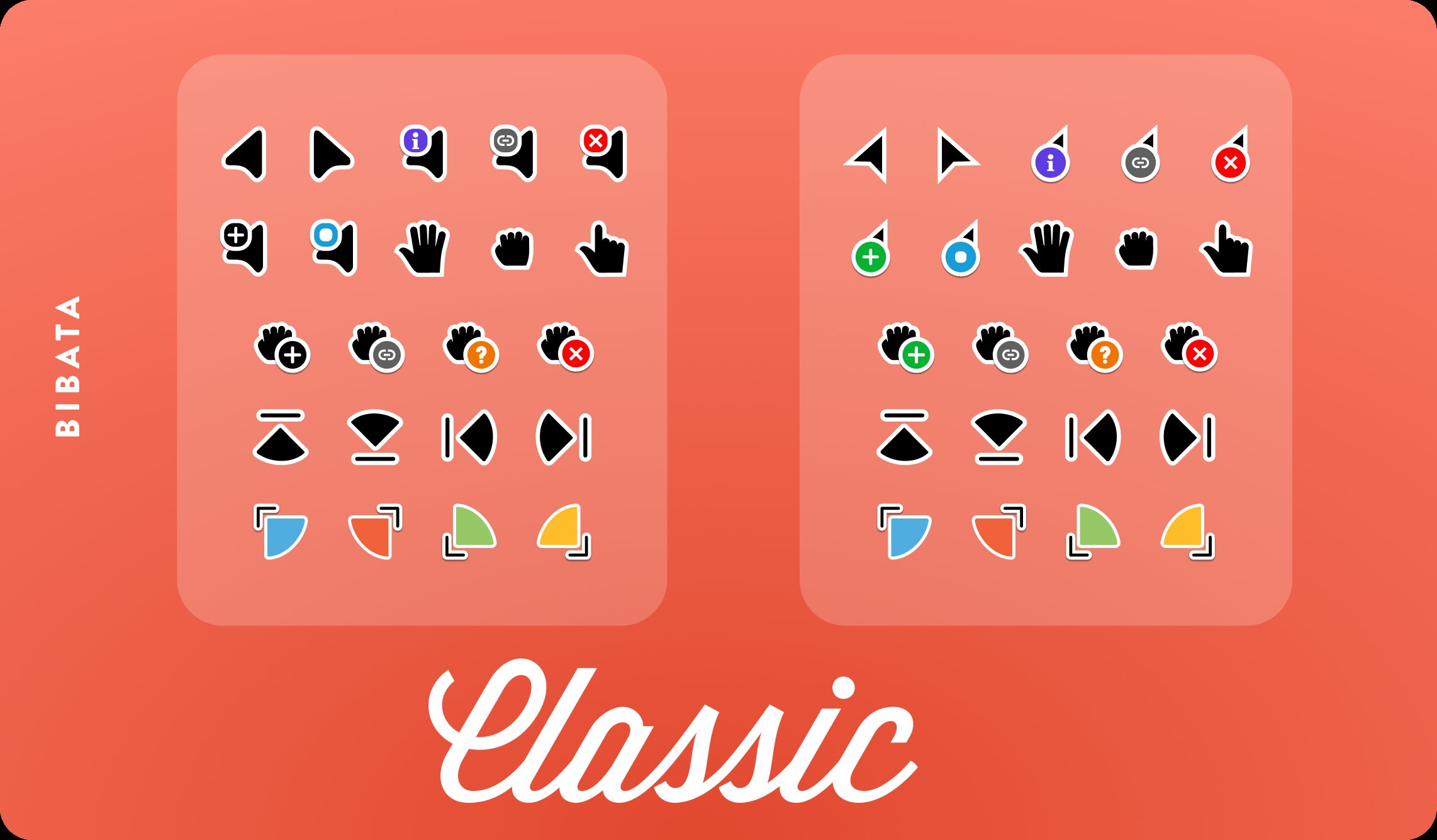
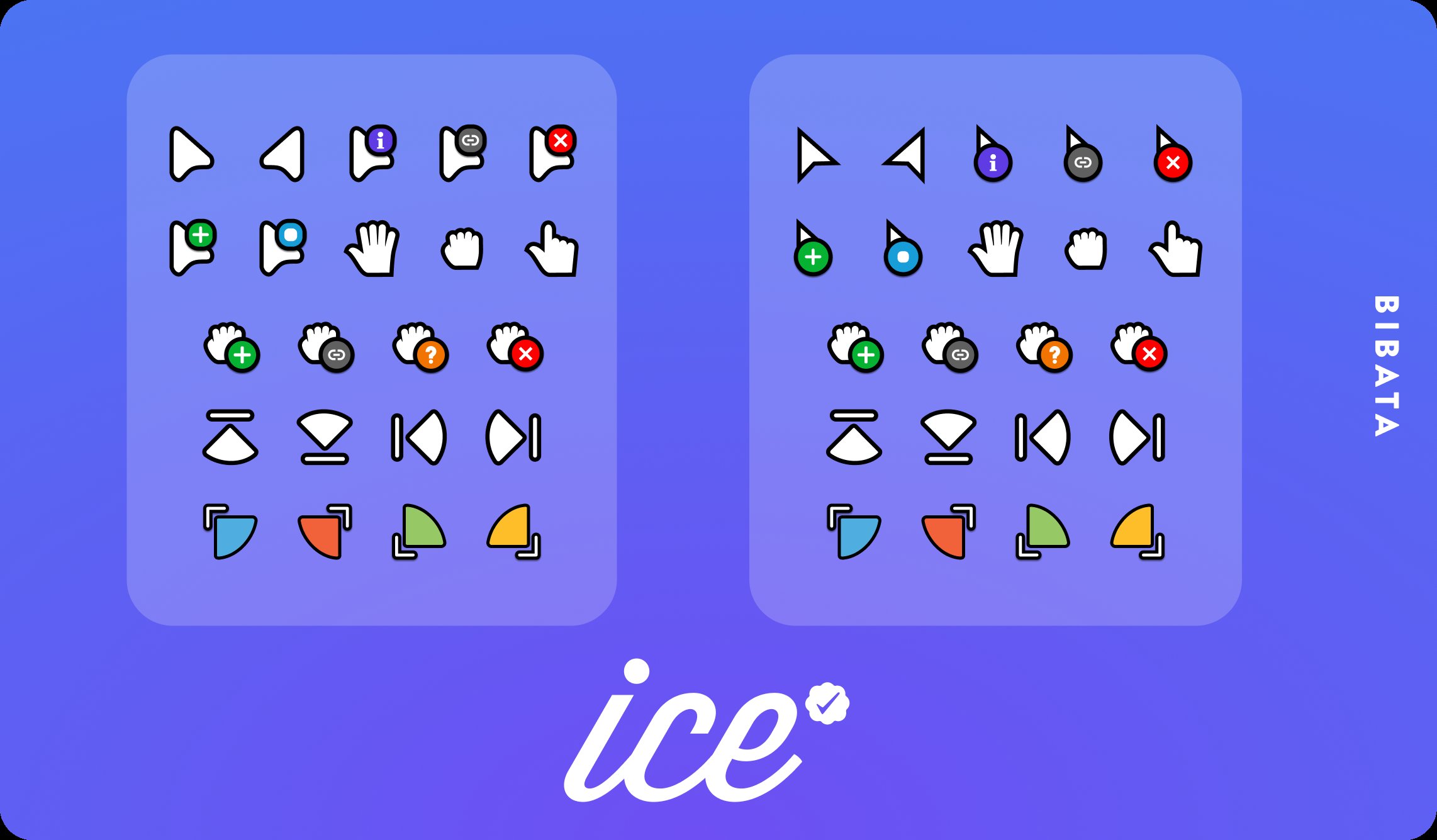
This snap contains all the Bibata Cursor Theme from ful1e5 (https://github.com/ful1e5/BibataCursor/releases).
TLDR; This cursor set is a masterpiece of cursors available on the internet, hand-designed by Abdulkaiz Khatri_.
Bibata is an open source, compact, and material designed cursor set that aims to improve the cursor experience for users. It is one of the most popular cursor sets in the Linux community and is now available for free on Windows as well, with multiple color and size options. Its goal is to offer personalized cursors to users.
What does "Bibata" mean?
The sweetest word I ever spoke was "BI-Buh," which, coincidentally, is also the word for peanuts. To make it more pronounceable and not sound like a baby's words, I added the suffix "Ta." And with that, my journey in the world of open source began.
Applying the theme
In order to work, the snap package needs to have a plug (https://ubuntu.com/blog/a-guide-to-snap-permissions-and-interfaces) available for 'icon-themes'.
To apply the theme to a single application, perform the following:
To apply to all applications run the following command. Thanks to @flexiondotorg for the handy loop.
*NOTE*: Some apps like the Ubuntu Snap Store may require logging out, and back in to load the changes.
TLDR; This cursor set is a masterpiece of cursors available on the internet, hand-designed by Abdulkaiz Khatri_.
Bibata is an open source, compact, and material designed cursor set that aims to improve the cursor experience for users. It is one of the most popular cursor sets in the Linux community and is now available for free on Windows as well, with multiple color and size options. Its goal is to offer personalized cursors to users.
What does "Bibata" mean?
The sweetest word I ever spoke was "BI-Buh," which, coincidentally, is also the word for peanuts. To make it more pronounceable and not sound like a baby's words, I added the suffix "Ta." And with that, my journey in the world of open source began.
Applying the theme
In order to work, the snap package needs to have a plug (https://ubuntu.com/blog/a-guide-to-snap-permissions-and-interfaces) available for 'icon-themes'.
To apply the theme to a single application, perform the following:
sudo snap connect [snap-you-want-to-theme]:icon-themes bibata-all-cursorTo apply to all applications run the following command. Thanks to @flexiondotorg for the handy loop.
for plug in $(snap connections | grep gtk-common-themes:icon-themes | awk '{print $2}'); do sudo snap connect ${plug} bibata-all-cursor:icon-themes; done*NOTE*: Some apps like the Ubuntu Snap Store may require logging out, and back in to load the changes.
Update History
2.0.7 (1)13 Dec 2025, 09:47 UTC
5 Aug 2024, 16:43 UTC
5 Aug 2024, 16:43 UTC
13 Dec 2025, 09:47 UTC