
1.0.0294.2 MB
unset
strict
core20
OpenAI ChatGPT for Linux client

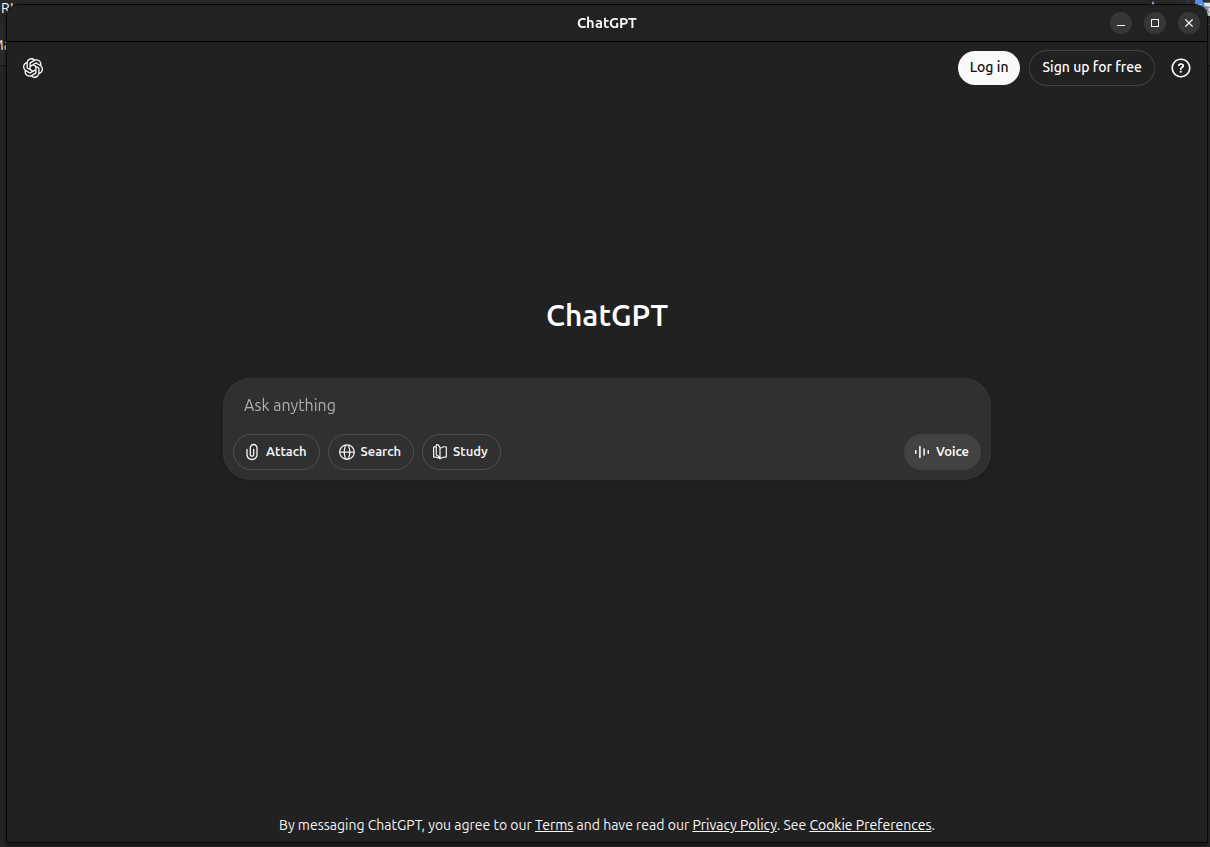
Unofficial OpenAI ChatGPT for Linux client
ChatGPT Linux
A minimal Electron desktop wrapper for ChatGPT-LINUX that runs the official web app in a clean, native window with persistent login and optional mic/camera access for voice.
Not affiliated with OpenAI. Uses the official ChatGPT web UI.
✨ Features
Native desktop window for ChatGPT
Persistent login (separate app session)
External links open in your default browser
Optional mic/camera access (Linux Snap plugs)
📦 Installation
Install via Snap (Recommended)
If your system supports Snap, you can install directly from the Snap Store:
Get it from the Snap Store
sudo snap install chatgpt-linux
📹 Enabling Video Calls and Audio (Required Setup) To use video calls, voice calls, and microphone features in Teams, you need to manually enable camera and audio permissions after installation:
sudo snap connect chatgpt-linux:0camera
sudo snap connect chatgpt-linux:audio-record
sudo snap connect chatgpt-linux:audio-playback
sudo snap connect chatgpt-linux:pulseaudio
Once installed, start the app from your system application menu or by running:
chatgpt-linux
ChatGPT Linux
A minimal Electron desktop wrapper for ChatGPT-LINUX that runs the official web app in a clean, native window with persistent login and optional mic/camera access for voice.
Not affiliated with OpenAI. Uses the official ChatGPT web UI.
✨ Features
Native desktop window for ChatGPT
Persistent login (separate app session)
External links open in your default browser
Optional mic/camera access (Linux Snap plugs)
📦 Installation
Install via Snap (Recommended)
If your system supports Snap, you can install directly from the Snap Store:
Get it from the Snap Store
sudo snap install chatgpt-linux
📹 Enabling Video Calls and Audio (Required Setup) To use video calls, voice calls, and microphone features in Teams, you need to manually enable camera and audio permissions after installation:
sudo snap connect chatgpt-linux:0camera
sudo snap connect chatgpt-linux:audio-record
sudo snap connect chatgpt-linux:audio-playback
sudo snap connect chatgpt-linux:pulseaudio
Once installed, start the app from your system application menu or by running:
chatgpt-linux
Update History
1.0.0 (2)13 Dec 2025, 09:47 UTC
2 Sept 2025, 11:07 UTC
3 Sept 2025, 08:38 UTC
13 Dec 2025, 09:47 UTC