
2.0.15918136.0 MB
unset
strict
core20
Simplify Workflows & Private Cloud


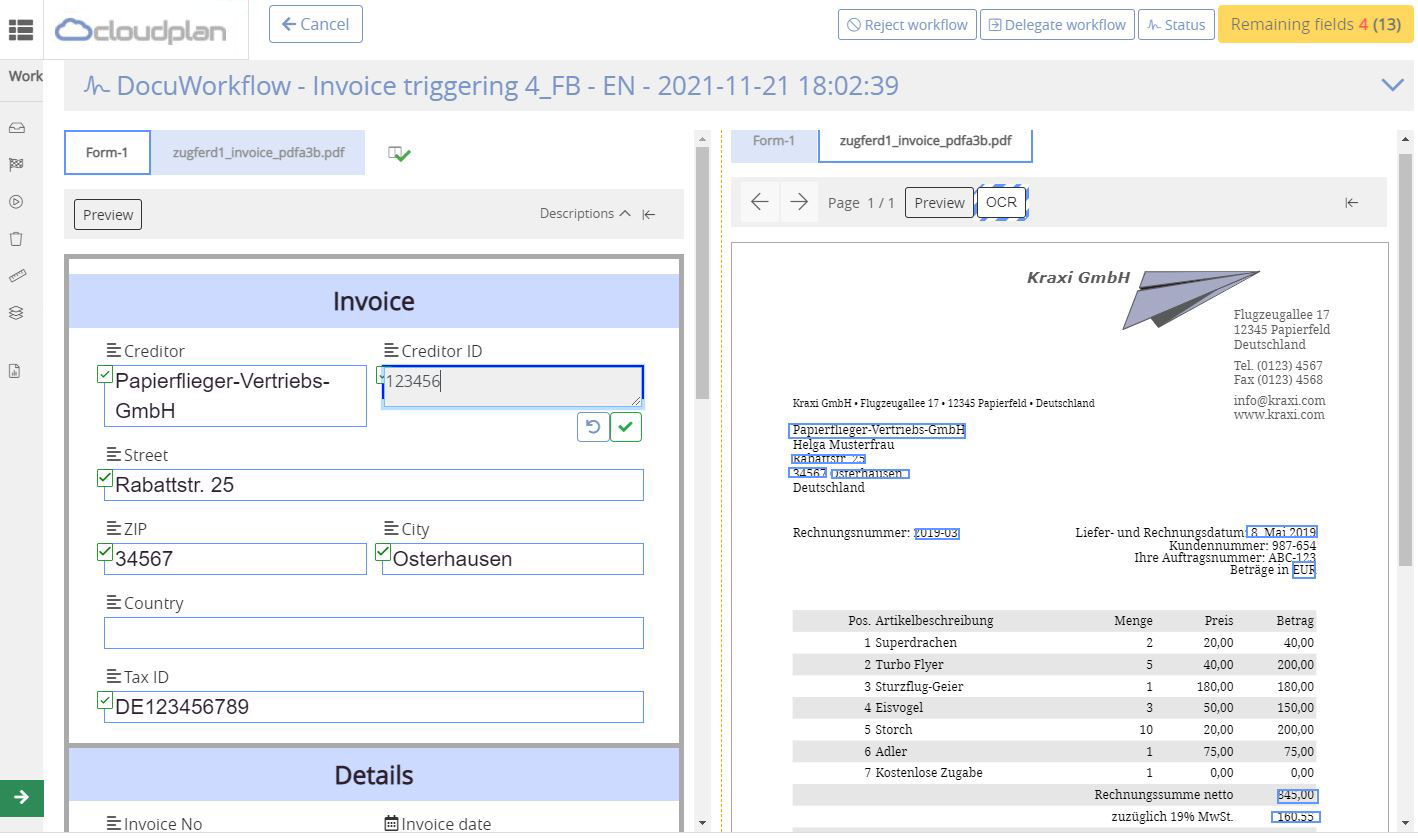
Fully integrated solution for File Storage, Workflows, eSigning, Web Forms, Document Management and Security. Runs in the cloud, on-premise, hybrid and multi-cloud environments!
Installation steps:
1. sudo snap install cloudplan
2. Open the following incoming ports for cloudplan:
3. sudo cloudplan --activate
4. sudo snap start cloudplan.daemon
5. Go to portal.cloudplan.net , change the license from trial to the desired one.
6. The storage path is available at: /var/snap/cloudplan/common/cloudplan
7. For big folder hierarchy please modify the system notify watchers:
Installation steps:
1. sudo snap install cloudplan
2. Open the following incoming ports for cloudplan:
udp:34781-35999 tcp: 443, 35001, 350023. sudo cloudplan --activate
4. sudo snap start cloudplan.daemon
5. Go to portal.cloudplan.net , change the license from trial to the desired one.
Change the node level > 06. The storage path is available at: /var/snap/cloudplan/common/cloudplan
You can add content under this path and share it with your users.7. For big folder hierarchy please modify the system notify watchers:
echo fs.inotify.maxuserwatches=524288 | sudo tee -a /etc/sysctl.conf sudo sysctl -pUpdate History
2.0.159 (18)13 Dec 2025, 09:47 UTC
14 Apr 2023, 11:33 UTC
31 Jan 2024, 15:22 UTC
13 Dec 2025, 09:47 UTC