
0.6.49694.0 MB
Proprietary
strict
core20
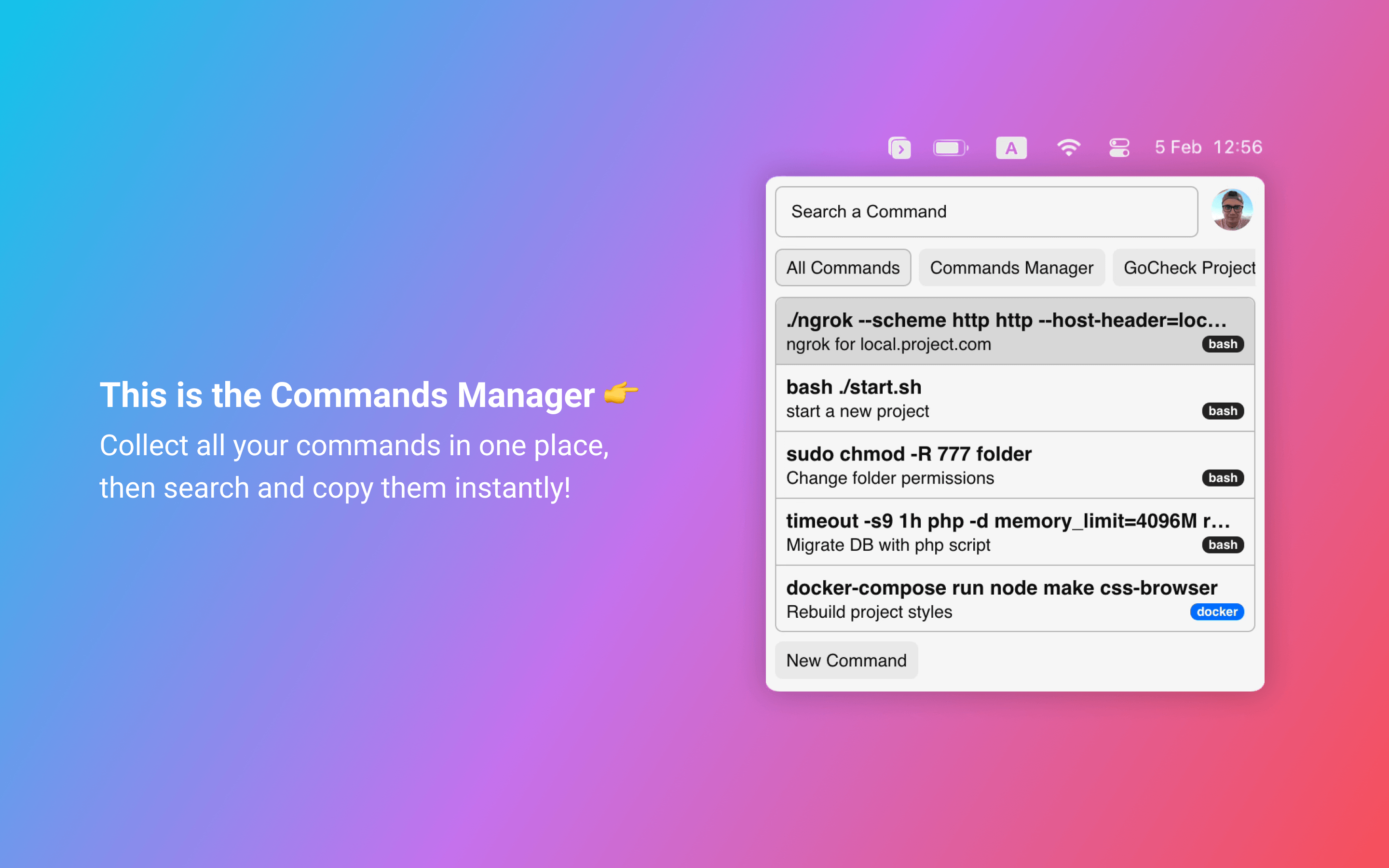
Collect all your commands in one place, then search and copy them instantly!
How it works?
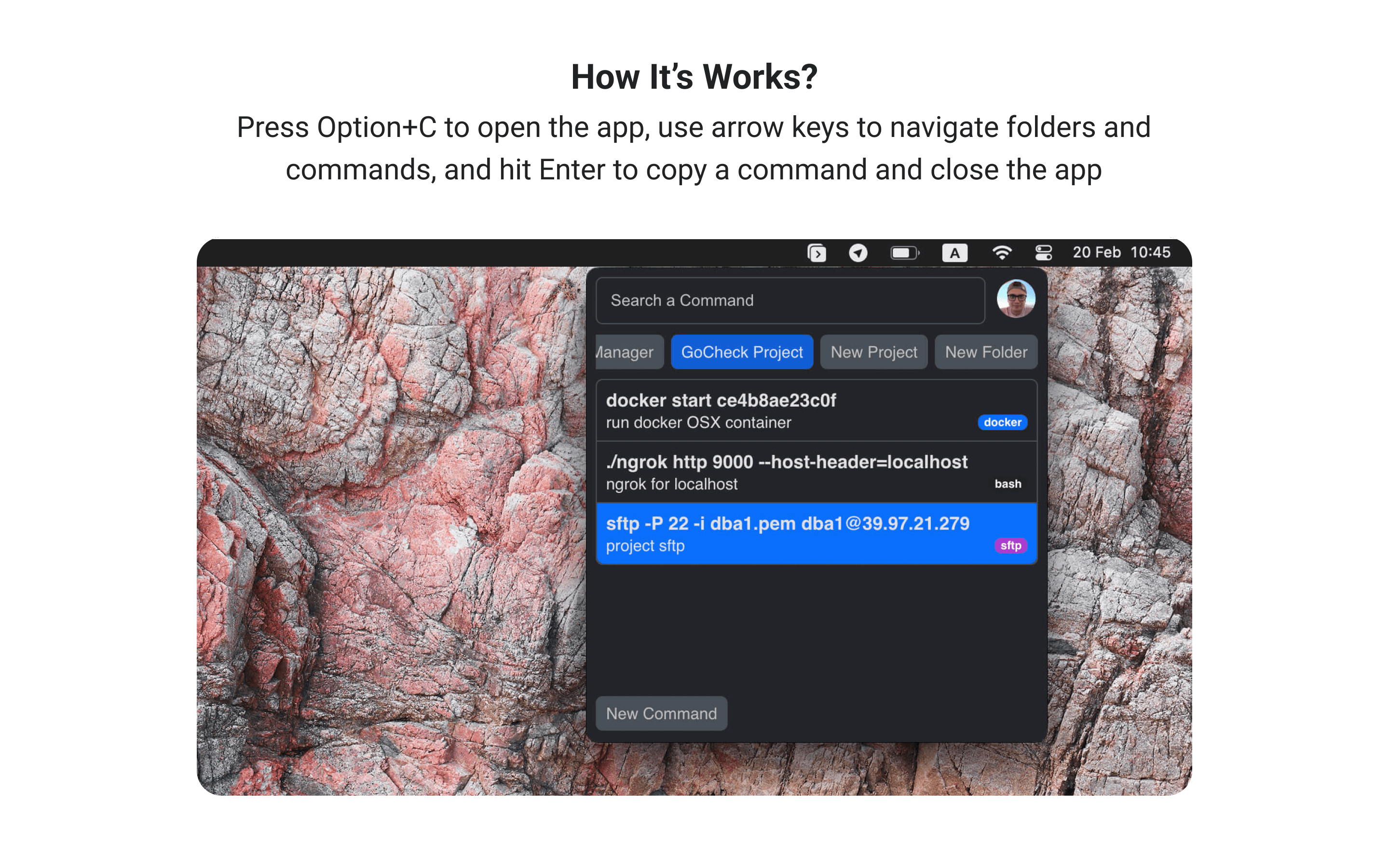
Press Alt+C to open the app, use arrow keys to navigate folders and commands, and hit Enter to copy a command and close the app. (In some distros, you should set the hotkey manually in the settings)
Main features:
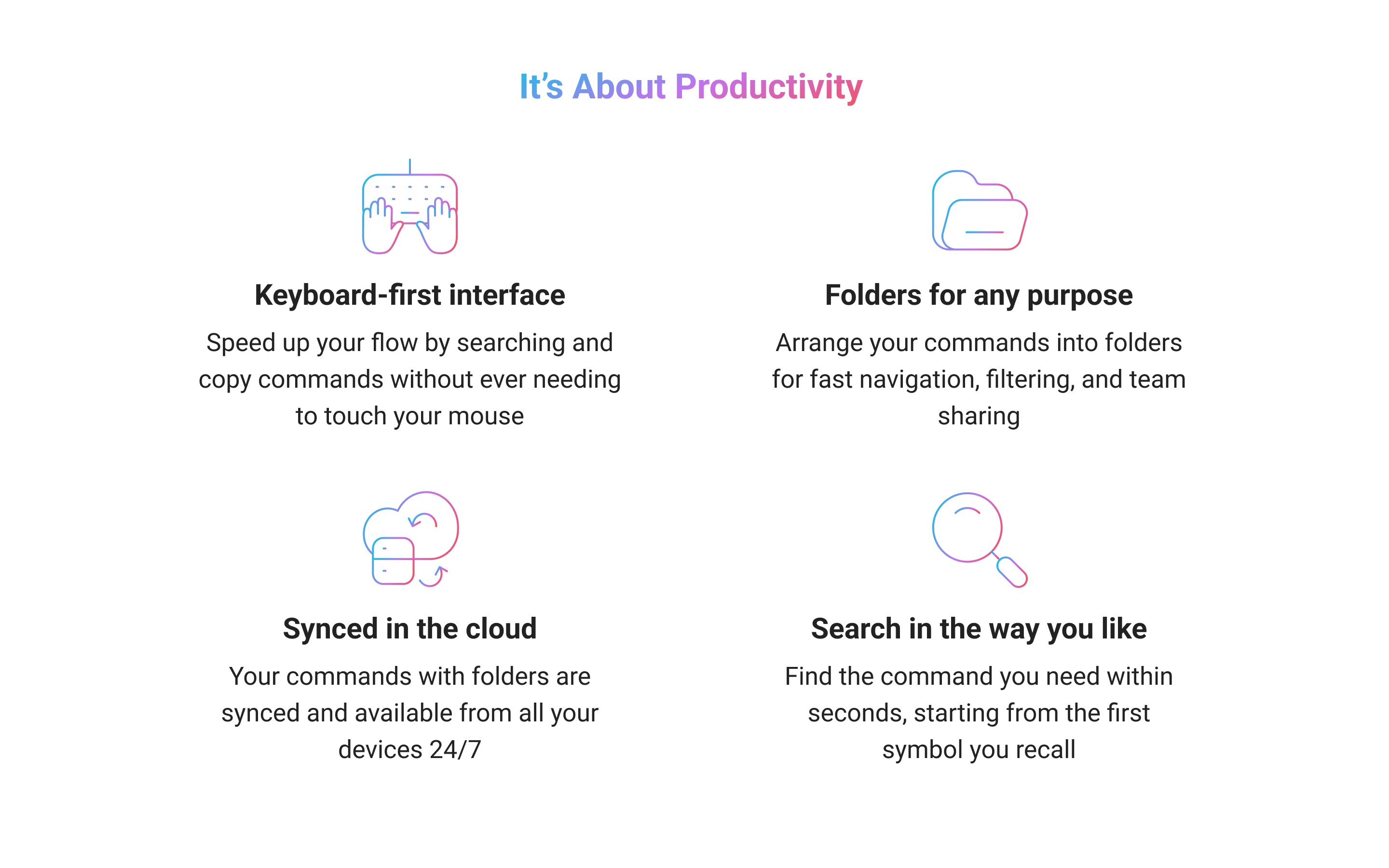
Keyboard-first interface. Speed up your flow by searching and copy commands without ever needing to touch your mouse
Folders for any purpose. Arrange your commands into folders for fast navigation, filtering, and team sharing
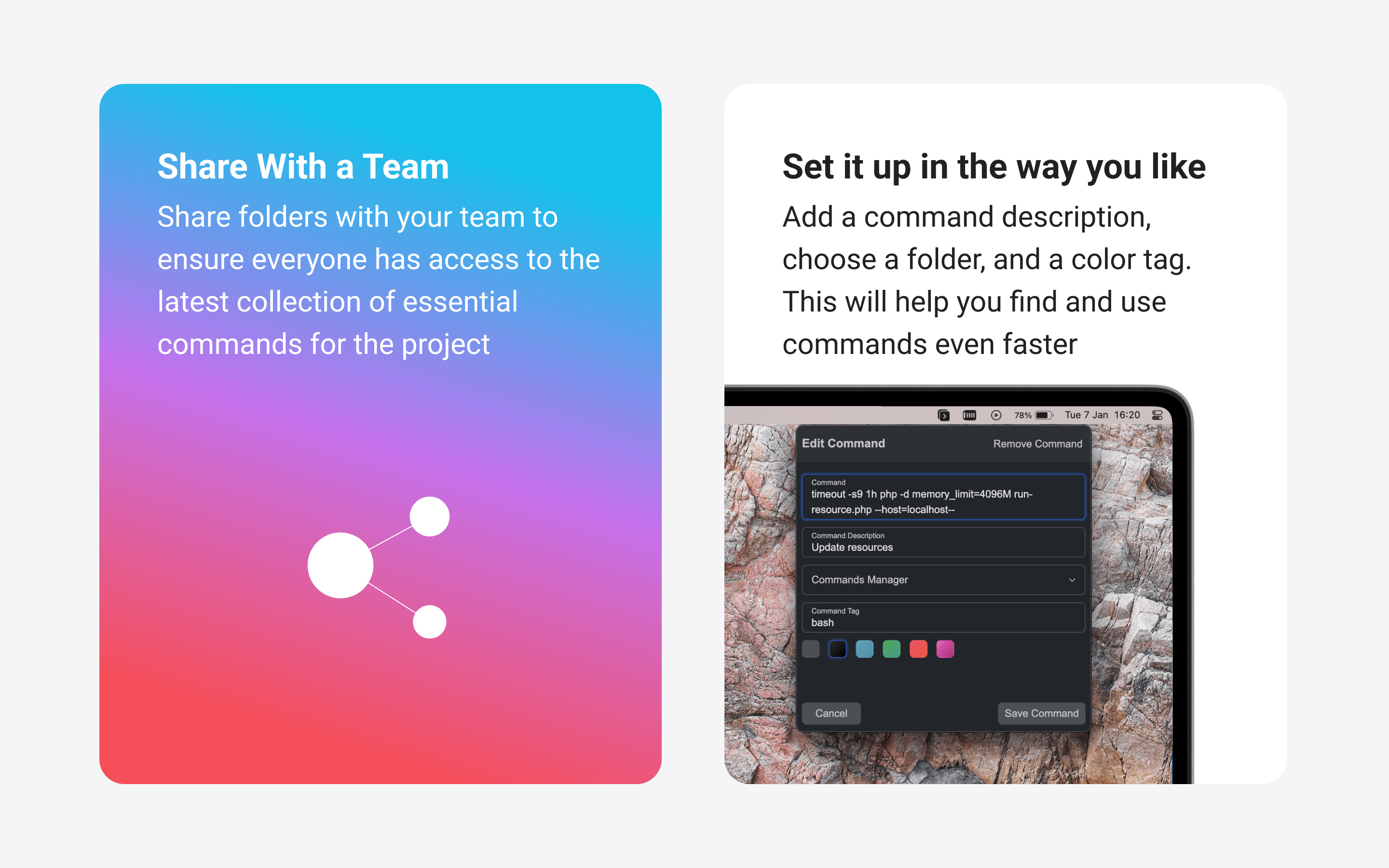
Share with a team. Share folders with your team to ensure everyone has access to the latest collection of essential commands for the project
Synced in the cloud. Your commands with folders are synced and available from all your devices 24/7
Search in the way you like. Find the command you need within seconds, starting from the first symbol you recall
Press Alt+C to open the app, use arrow keys to navigate folders and commands, and hit Enter to copy a command and close the app. (In some distros, you should set the hotkey manually in the settings)
Main features:
Keyboard-first interface. Speed up your flow by searching and copy commands without ever needing to touch your mouse
Folders for any purpose. Arrange your commands into folders for fast navigation, filtering, and team sharing
Share with a team. Share folders with your team to ensure everyone has access to the latest collection of essential commands for the project
Synced in the cloud. Your commands with folders are synced and available from all your devices 24/7
Search in the way you like. Find the command you need within seconds, starting from the first symbol you recall
Update History
0.6.49 (6)13 Dec 2025, 09:47 UTC
19 Aug 2024, 18:52 UTC
1 Mar 2025, 07:54 UTC
13 Dec 2025, 09:47 UTC