
10.05.0-988948.3 MB
Apache-2.0
strict
core22
Ghostscript Printer Application
Printer driver package for Printers supported by Ghostscript drivers
Usage/Setup: Install this Snap, go to
Full list of included drivers: https://github.com/OpenPrinting/ghostscript-printer-app#contained-printer-drivers-in-the-snap
If you want to use an (older) printer which is not a modern driverless IPP printer then this might be the right Printer Application for you.
It supports ~5000 different printer models, mainly with drivers from the well-known Ghostscript (http://www.ghostscript.com/) but also several others (SpliX, foo2zjs, brlaser, c2esp, oki, fxlinuxprint, pnm2ppa, ptouch, dymo, ...). The printer model support is based on OpenPrinting's printer support database (http://www.openprinting.org/printers/). Especially many standard laser (PCL 6/XL, PCL 5c/e, PCL4) and dot matrix (ESC/P, OKI, IBM, ...) but also many printers with proprietary print data formats are supported. There are not only model-specific entries to choose from, but also generic entries for the common formats for the case your printer is not explicitly listed.
Practically all non-driverless printers for which there are free software printer drivers available and which are not covered by the other Printer Applications (https://snapcraft.io/search?q=OpenPrinting) are supported by this Printer Application.
These drivers already ship for many years with most common Linux distributions (Ubuntu, Debian, Fedora, SUSE, ...) and have made many user's printers work and these printers will continue to work in environments where only Printer Applications (and no classic printer driver packages) are supported.
Note that most drivers are not further developed any more as partially they are for ancient printers, or for common printer languages, like PCL, which do not change any more. Updates are mainly bug fixes or new printer additions, especially Ricoh (brands Gestetner, InfoPrint, Infotec, Lanier, NRG, Ricoh, Savin) is regularly adding new PCL 5e, PCL-XL, and PDF printers.
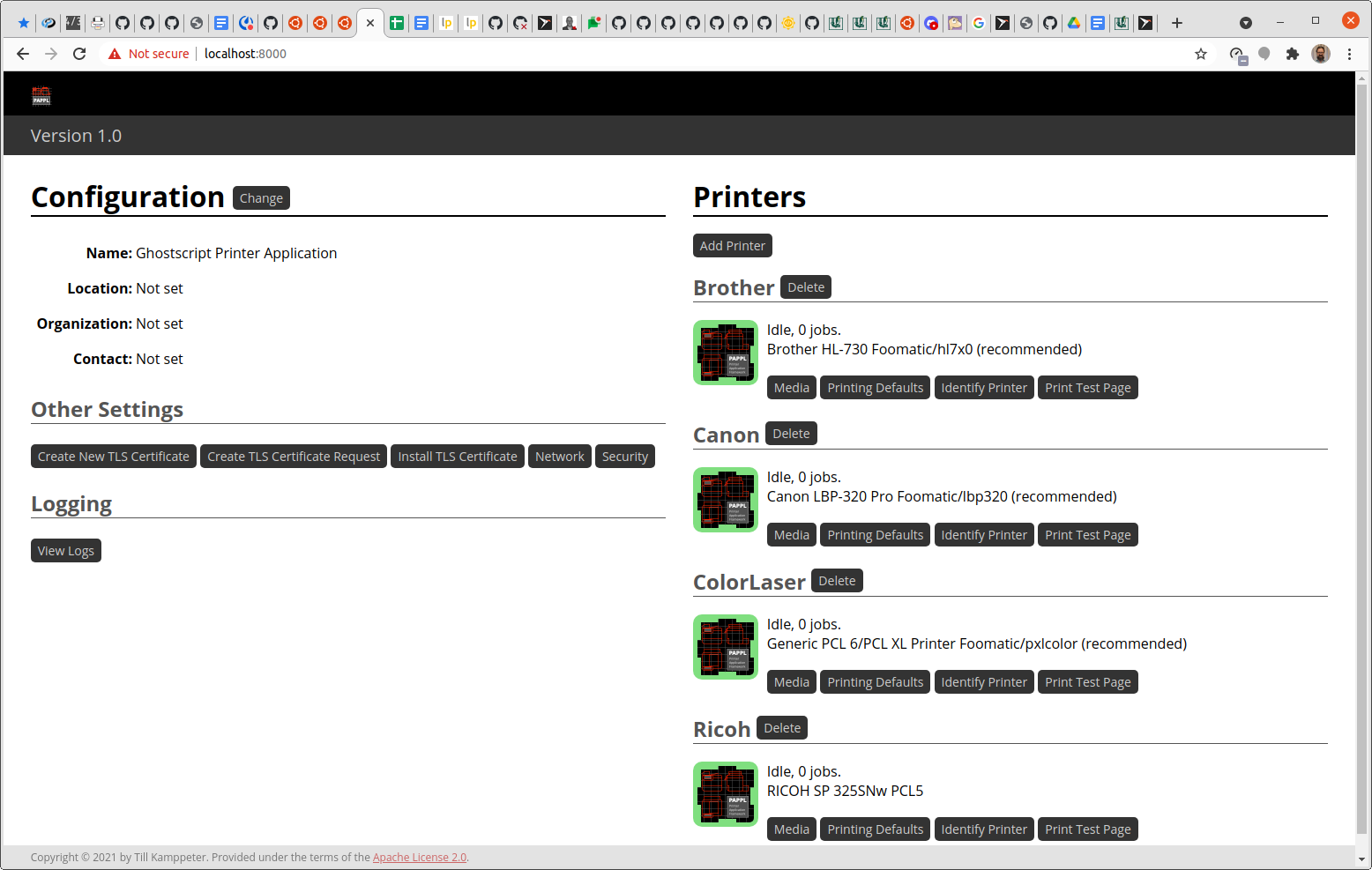
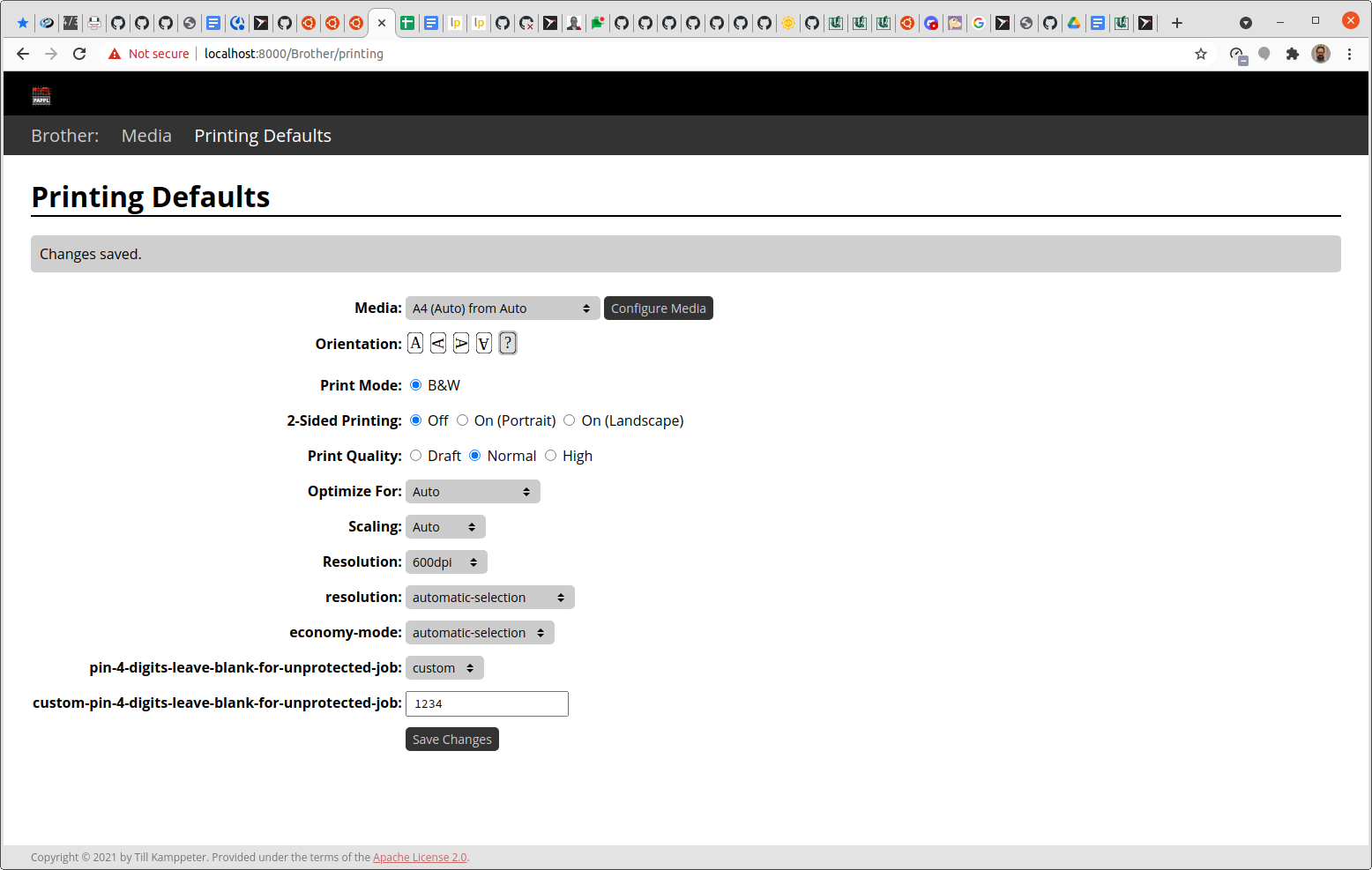
This Printer Application emulates a driverless IPP network printer (IPP Everywhere) for each physical printer set up with it, so your computer's printing environment discovers it automatically and makes your printer(s) available for printing. Like on a physical network printer there is a web interface for administration, here especially also for adding and configuring printers. You find it with your browser under
With modern printers usually being driverless IPP printers, classic printer drivers, installed under CUPS by its web interface or a printer setup tool, are deprecated and replaced by Printer Applications (for the non-driverless legacy and specialty printers) which emulate driverless IPP printers as this one.
Usage/Setup: Install this Snap, go to
http://localhost:8000/ (or to http://localhost:8001/, ... if you have more than one Printer Application installed), click "Add Printer". Detailed instructions: https://github.com/OpenPrinting/ghostscript-printer-app#installing-and-buildingFull list of included drivers: https://github.com/OpenPrinting/ghostscript-printer-app#contained-printer-drivers-in-the-snap
If you want to use an (older) printer which is not a modern driverless IPP printer then this might be the right Printer Application for you.
It supports ~5000 different printer models, mainly with drivers from the well-known Ghostscript (http://www.ghostscript.com/) but also several others (SpliX, foo2zjs, brlaser, c2esp, oki, fxlinuxprint, pnm2ppa, ptouch, dymo, ...). The printer model support is based on OpenPrinting's printer support database (http://www.openprinting.org/printers/). Especially many standard laser (PCL 6/XL, PCL 5c/e, PCL4) and dot matrix (ESC/P, OKI, IBM, ...) but also many printers with proprietary print data formats are supported. There are not only model-specific entries to choose from, but also generic entries for the common formats for the case your printer is not explicitly listed.
Practically all non-driverless printers for which there are free software printer drivers available and which are not covered by the other Printer Applications (https://snapcraft.io/search?q=OpenPrinting) are supported by this Printer Application.
These drivers already ship for many years with most common Linux distributions (Ubuntu, Debian, Fedora, SUSE, ...) and have made many user's printers work and these printers will continue to work in environments where only Printer Applications (and no classic printer driver packages) are supported.
Note that most drivers are not further developed any more as partially they are for ancient printers, or for common printer languages, like PCL, which do not change any more. Updates are mainly bug fixes or new printer additions, especially Ricoh (brands Gestetner, InfoPrint, Infotec, Lanier, NRG, Ricoh, Savin) is regularly adding new PCL 5e, PCL-XL, and PDF printers.
This Printer Application emulates a driverless IPP network printer (IPP Everywhere) for each physical printer set up with it, so your computer's printing environment discovers it automatically and makes your printer(s) available for printing. Like on a physical network printer there is a web interface for administration, here especially also for adding and configuring printers. You find it with your browser under
https://localhost:8000/. Note that currently printers have to get added via the web interface to use them. In the future, there will be utilities to easily find non-driverless printers and find the correct Printer Application for them.With modern printers usually being driverless IPP printers, classic printer drivers, installed under CUPS by its web interface or a printer setup tool, are deprecated and replaced by Printer Applications (for the non-driverless legacy and specialty printers) which emulate driverless IPP printers as this one.
Update History
10.05.0-9 (889)13 Dec 2025, 09:47 UTC
27 Aug 2021, 14:20 UTC
12 Apr 2025, 08:44 UTC
13 Dec 2025, 09:47 UTC