
1.4.01165.7 MB
GPL-3.0+
strict
core18
Electron webapp for iHeartRadio

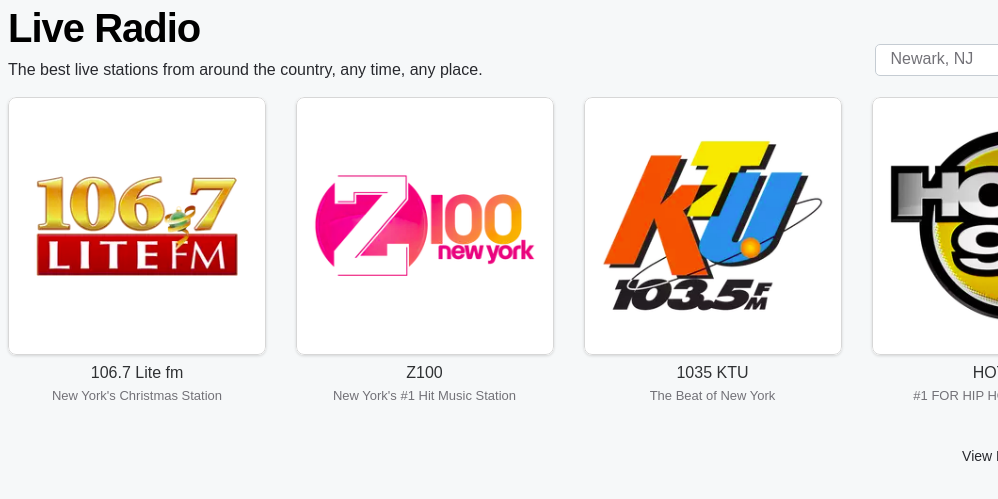

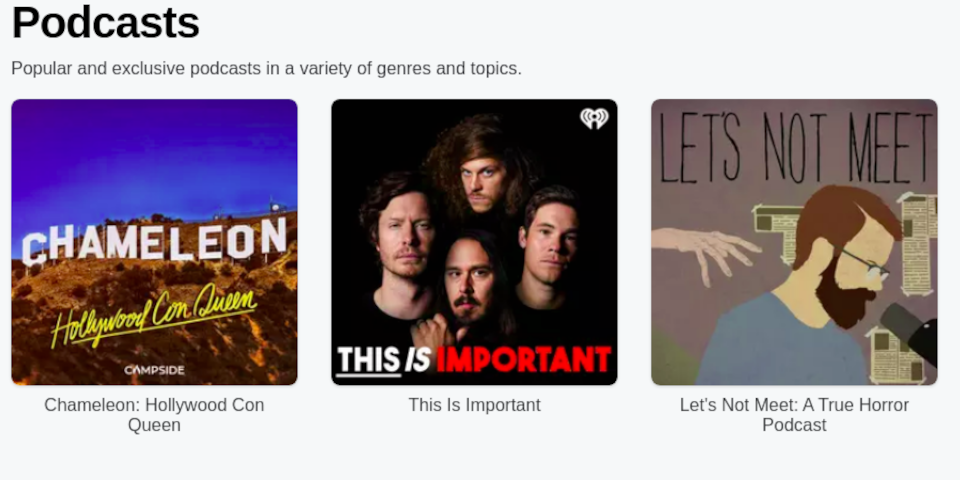
Electron Webapp for iHeartRadio
This is a Node.js JavaScript application, but it is NOT a NPM package. This is solely for desktop use purposes.
In this application, we use the Electron Framework (https://github.com/electron/electron) to turn a webpage
into a webapp.
Like Spotify, you will be able to access all of iHeartRadio for Linux and MacOS.
We have the normal npm build and a Jakefile (https://github.com/jakejs/jake) if you wish (though I won't QA the Jakefile much).
For this example we will just use npm. To initially install the dependencies:
And it is good practice in my opinion to always check to see if any of the ~431 dependencies have updates.
To run the webapp, you can run either:
Now we can start building. We have several build scripts but here are the most important.
Big thanks to those who work with the electron-builder (https://github.com/electron-userland/electron-builder) to make this a lot more easier :)
By default these build for x86/64-bit general systems such as amd64. To build an AppImage and
Snap, you can run:
To build for Macintosh/Mac OS systems (yes there is support, this will generate a DMG):
For the sake of not wasting my time with 32-bit since support for everywhere is slowly dropping, I will only support x86 and Raspberry-Pi arm64. However electron-builder currently is doing weird stuff with arm64 builds which it shouldn't (it's setting up VM's to build which is unneccessary), so for now we will be using the 32-bit arm7l/armhf until I work with the devs to fix this problem :)
We can also use this for testing purposes. To build for armv7l/armhf:
I'm pretty sure Mac's dont run on ARM devices so the above only builds AppImages and Snaps.
This install script is only for linux. This is because the resulting build is a bunch of libraries which has to be installed to many locations so I simplified it and made a decent install script for it. For Mac OS/DMG's it's already bundled in so you don't have to stress about it. You can run
and that'll take care of it for you.
Help is LOVELY appreciated! Fork and submit a PR. I look forward to seeing you.
This is licensed under the GNU General Public License v3+ license.
This is a Node.js JavaScript application, but it is NOT a NPM package. This is solely for desktop use purposes.
In this application, we use the Electron Framework (https://github.com/electron/electron) to turn a webpage
into a webapp.
Like Spotify, you will be able to access all of iHeartRadio for Linux and MacOS.
We have the normal npm build and a Jakefile (https://github.com/jakejs/jake) if you wish (though I won't QA the Jakefile much).
For this example we will just use npm. To initially install the dependencies:
npm installAnd it is good practice in my opinion to always check to see if any of the ~431 dependencies have updates.
npm audit fixTo run the webapp, you can run either:
npm start OR npm run runNow we can start building. We have several build scripts but here are the most important.
Big thanks to those who work with the electron-builder (https://github.com/electron-userland/electron-builder) to make this a lot more easier :)
By default these build for x86/64-bit general systems such as amd64. To build an AppImage and
Snap, you can run:
npm run buildTo build for Macintosh/Mac OS systems (yes there is support, this will generate a DMG):
npm run build-macFor the sake of not wasting my time with 32-bit since support for everywhere is slowly dropping, I will only support x86 and Raspberry-Pi arm64. However electron-builder currently is doing weird stuff with arm64 builds which it shouldn't (it's setting up VM's to build which is unneccessary), so for now we will be using the 32-bit arm7l/armhf until I work with the devs to fix this problem :)
We can also use this for testing purposes. To build for armv7l/armhf:
npm run build-armv7lI'm pretty sure Mac's dont run on ARM devices so the above only builds AppImages and Snaps.
This install script is only for linux. This is because the resulting build is a bunch of libraries which has to be installed to many locations so I simplified it and made a decent install script for it. For Mac OS/DMG's it's already bundled in so you don't have to stress about it. You can run
npm install-linuxand that'll take care of it for you.
Help is LOVELY appreciated! Fork and submit a PR. I look forward to seeing you.
This is licensed under the GNU General Public License v3+ license.
Update History
1.4.0 (11)13 Dec 2025, 09:47 UTC
10 Dec 2020, 17:02 UTC
31 Oct 2021, 00:27 UTC
13 Dec 2025, 09:47 UTC