
1.0.112010.6 MB
MIT
strict
core24
Official Avnet IOTCONNECT Python SDK to easily and securely connect your devices and Applications to IOTCONNECT.
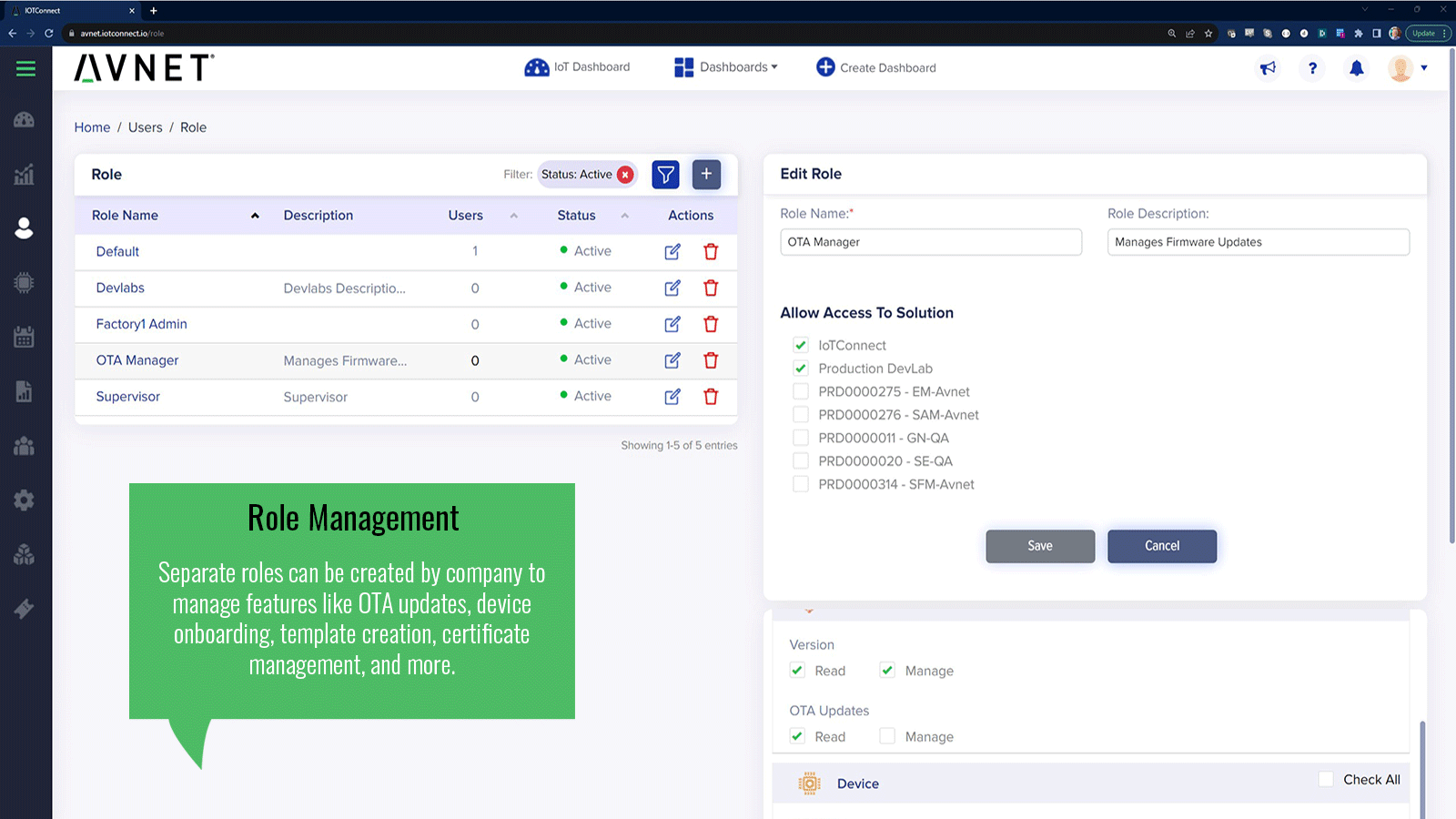
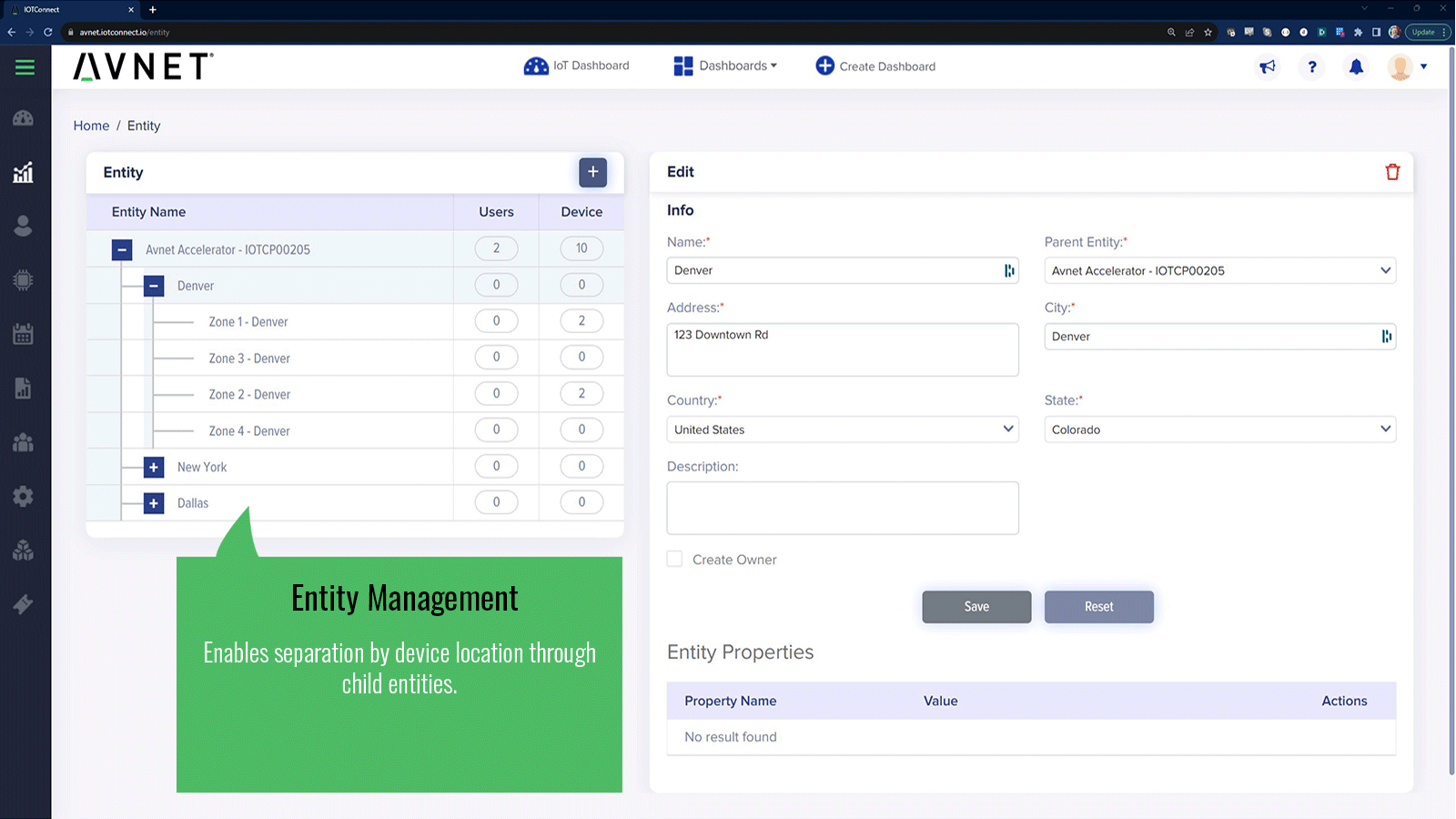
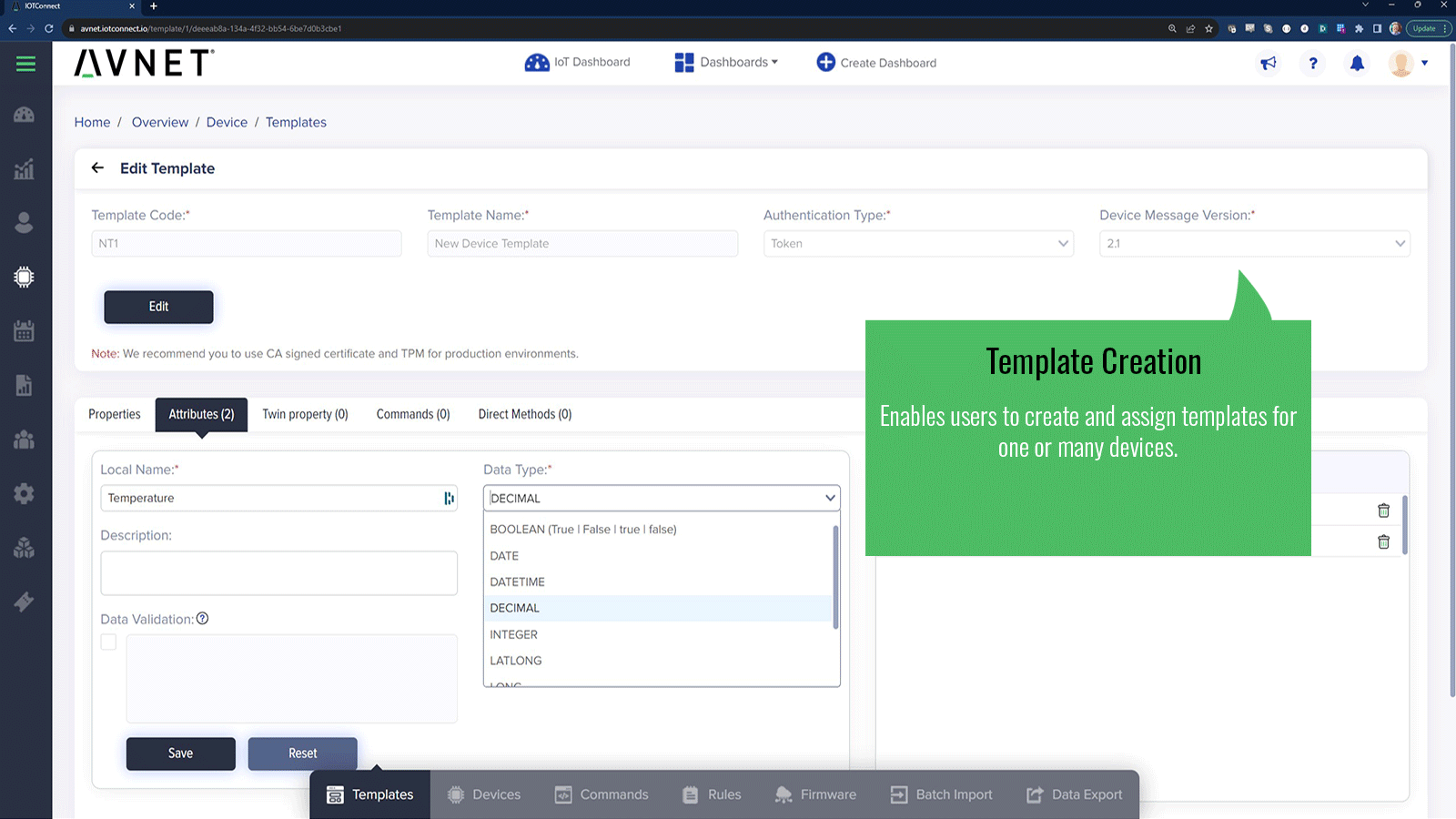
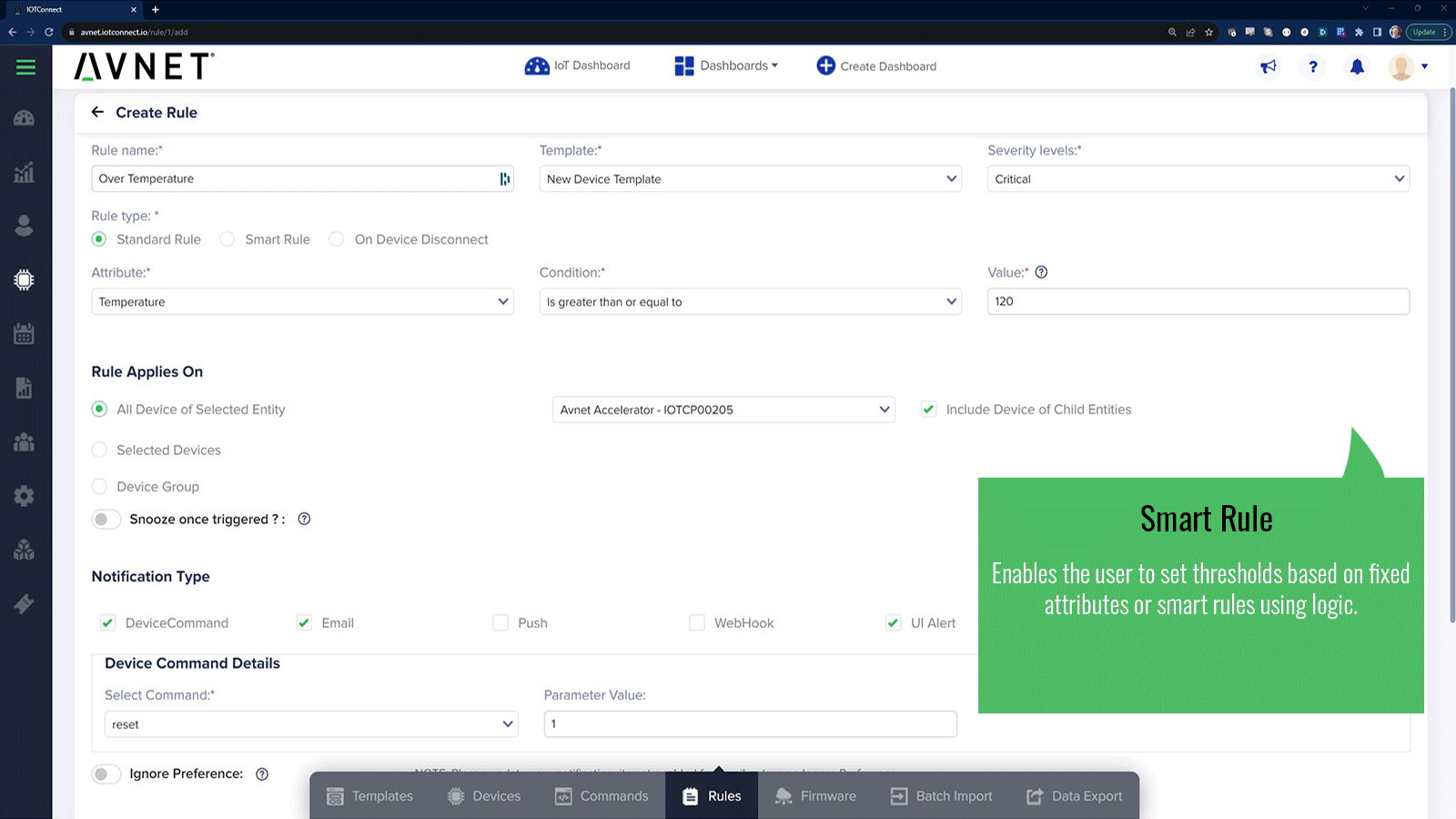
The Avnet /IOTCONNECT Snap packages the /IOTCONNECT Python Lite SDK and REST CLI into a single, secure, and portable container. It provides everything you need to:
All core binaries run from a read-only Snap bundle, while certificates, configurations, and OTA assets live in the writable
---
Key Features
---
Ideal for
---
Getting Started
1. Create an account at [https://www.iotconnect.io](https://www.iotconnect.io).
2. Install this Snap on your device:
3. Run the setup wizard:
4. Verify connectivity with the Quickstart demo:
5. If you have your own application, start the socket service:
- Onboard devices to the /IOTCONNECT cloud platform
- Send and receive telemetry/commands
- Stream custom telemetry from external applications via a UNIX socket
- Receive OTA-delivered models or scripts into a persistent data area
All core binaries run from a read-only Snap bundle, while certificates, configurations, and OTA assets live in the writable
$SNAPCOMMON area—surviving Snap refreshes.---
Key Features
- Guided Device Onboarding:
iotconnect.setup to generate certificates, register a device (manual or automated), and store configuration in $SNAPCOMMON.- Built-in Quickstart Demo:
iotconnect.run to launch a sample telemetry sender that demonstrates SDK usage without requiring a separate application.- Socket Service for External Apps:
iotconnect.socket to expose /var/snap/iotconnect/common/iotc.sock. Any external app can connect to this UNIX socket, send JSON telemetry, and receive commands or OTA payloads.- REST-API CLI:
iotconnect.cli tool lets you create templates, register devices, and manage configurations via the /IOTCONNECT REST API—ideal for automation or scripting.- Persistent Storage (
$SNAPCOMMON):
---
Ideal for
- IoT developers, integrators, and system architects building secure device solutions on /IOTCONNECT
- Rapid prototyping or demoing new IoT/Edge-AI workflows
- Deployments where external applications (e.g., custom Python/Node.js scripts) must stream telemetry or receive commands over a UNIX socket
---
Getting Started
1. Create an account at [https://www.iotconnect.io](https://www.iotconnect.io).
2. Install this Snap on your device:
sudo snap install iotconnect3. Run the setup wizard:
Choose Manual Setup (paste certificates and config) or Automated Setup (requires a REST API key). sudo snap run iotconnect.setup4. Verify connectivity with the Quickstart demo:
sudo snap run iotconnect.run5. If you have your own application, start the socket service:
sudo snap start iotconnect.socketThen connect to the UNIX socket from your code: import socket
sock = socket.socket(socket.AFUNIX, socket.SOCK_STREAM)
sock.connect("/var/snap/iotconnect/common/iotc.sock")
sock.sendall(json.dumps({"temperature": 22.5, "status": "running"}).encode())
Update History
1.0.11 (20)13 Dec 2025, 09:47 UTC
1 May 2025, 16:18 UTC
8 Oct 2025, 02:42 UTC
13 Dec 2025, 09:47 UTC