
3.0.14869.6 MB
MIT
strict
core18
Pick a color. Anywhere.
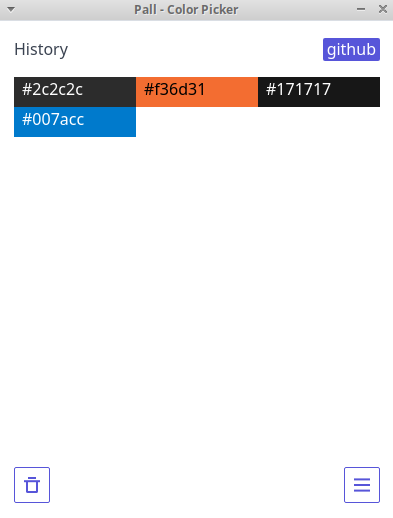
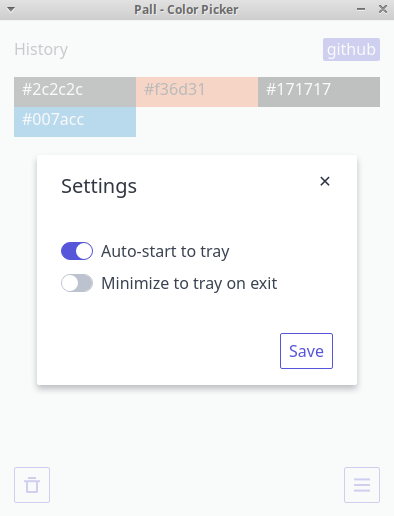
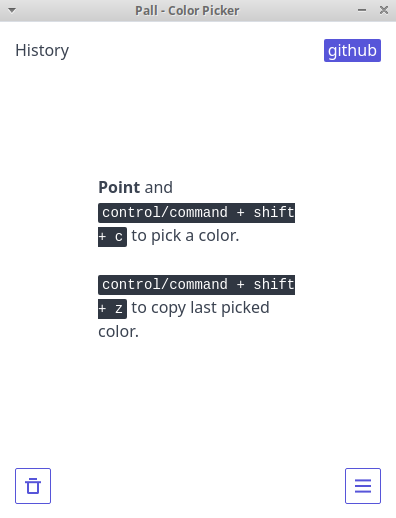
Pick a color from anywhere in your desktop, with 2 easy steps - point and press. Pall automatically copies the color code and saves it to history.
- Point your cursor then press CONTROL + SHIFT + C. This will copy the code to your clipboard.
- CONTROL + SHIFT + Z copies your last picked color. In case you copied something else before using the code.
It's open source: https://github.com/dandansoysauce/pall
v3.0.1:
Donation could buy me coffee: https://paypal.me/dandansoysauce
- Point your cursor then press CONTROL + SHIFT + C. This will copy the code to your clipboard.
- CONTROL + SHIFT + Z copies your last picked color. In case you copied something else before using the code.
It's open source: https://github.com/dandansoysauce/pall
v3.0.1:
- Changed capture method
- Updated electron to
14.0.0 - Updated other libs
- Updated donate link to paypal
Donation could buy me coffee: https://paypal.me/dandansoysauce
Update History
3.0.1 (48)13 Dec 2025, 09:47 UTC
15 Dec 2018, 17:34 UTC
5 Sept 2021, 22:06 UTC
13 Dec 2025, 09:47 UTC