
0.2.323699.8 MB
MIT
strict
core20
Terminal Pomodoro Timer
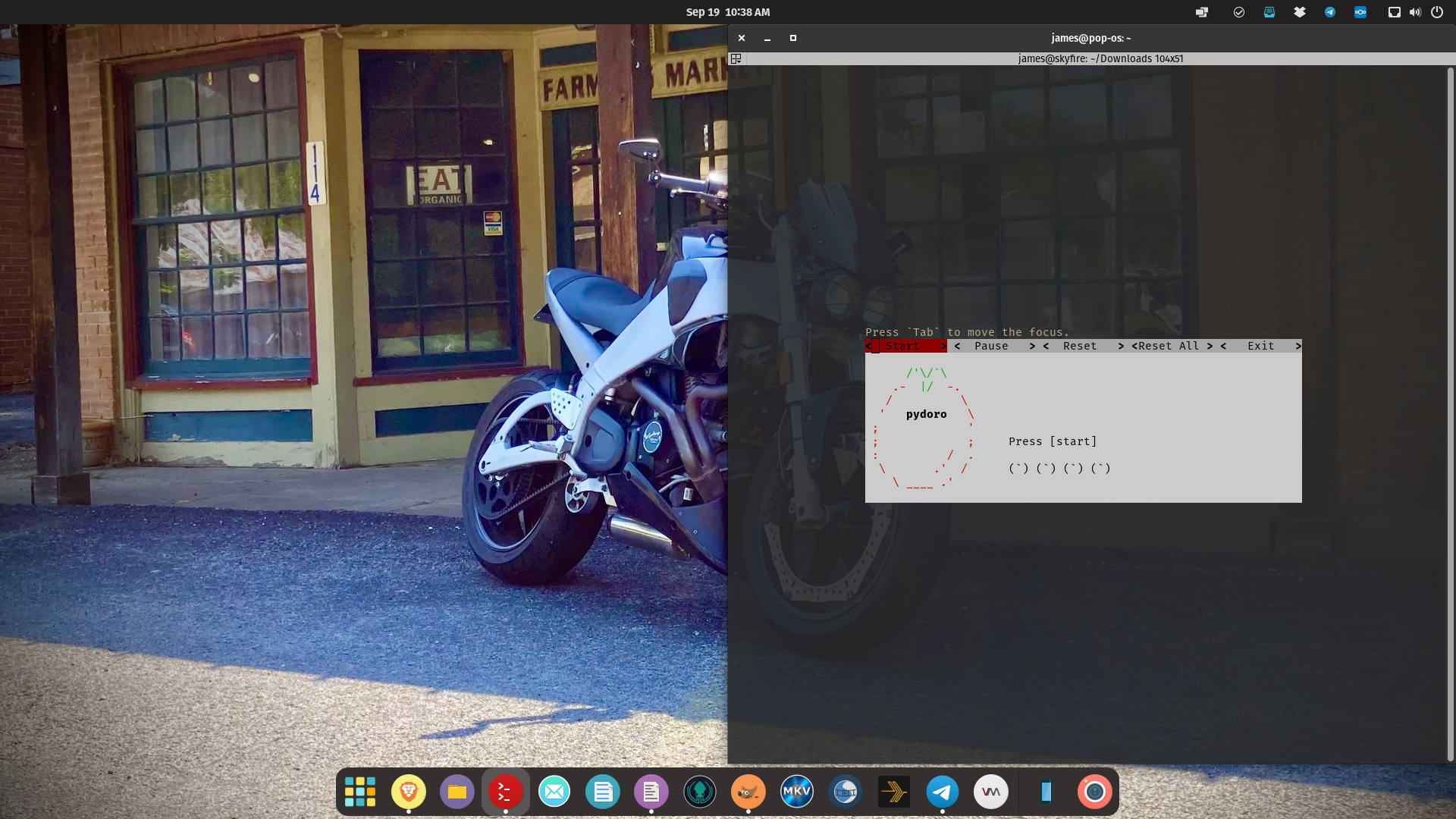
Usage
Simply run
Keyboard Shortcuts
Configuration
Connect the interfaces:
If PYDOROCONFIGFILE is set configuration is loaded from that location.
Default location is
Configuration with default values will be created if file doesn't exist.
This file must be writable from
NOTE: Pop!OS users will need to run the following due to a bug:
Simply run
pydoro and it will start with the TUI (Text User Interface).Keyboard Shortcuts
Focus Next: Tab | -> | l | kFocus Previous: Shift + Tab | <- | h | jExit: qStart: sPause: pReset: rReset All: aConfiguration
Connect the interfaces:
sudo snap connect pydoro:pulseaudiosudo snap connect pydoro:alsaIf PYDOROCONFIGFILE is set configuration is loaded from that location.
Default location is
~/snap/pydoro/current/.pydoro.iniConfiguration with default values will be created if file doesn't exist.
This file must be writable from
pydoro.NOTE: Pop!OS users will need to run the following due to a bug:
pydoro --no-sound or update the .pydoro.ini file and set nosound = True.Update History
0.2.3 (236)13 Dec 2025, 09:47 UTC
19 Sept 2022, 15:31 UTC
2 Mar 2025, 05:34 UTC
13 Dec 2025, 09:47 UTC