
1.021.9 MB
GPL-3.0-or-later
strict
core24
Simple Traffic Analyzer
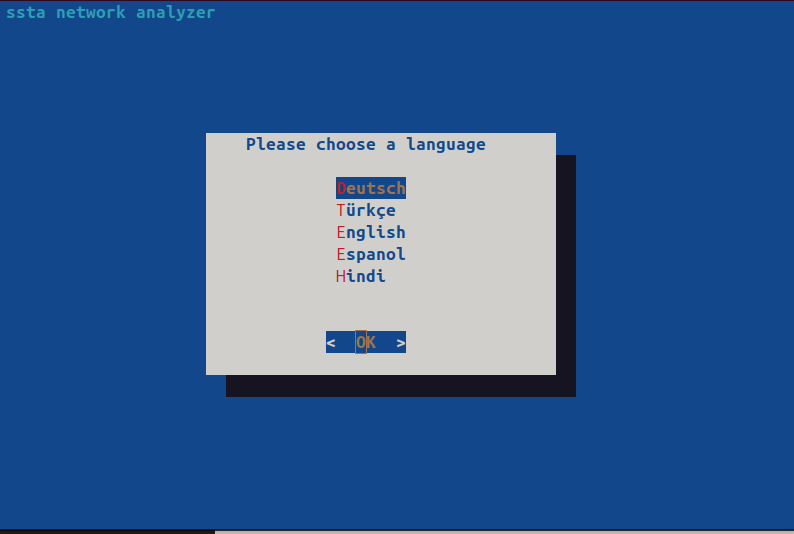
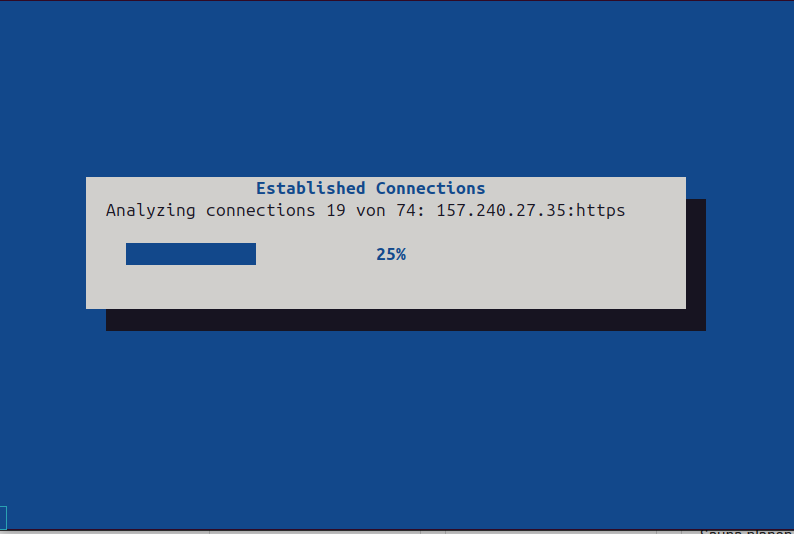


Ever wondered which companies and services your computer connects to while browsing the internet?
The ssta.bash script displays all currently established connections, including their corresponding process IDs (PIDs). You can also log these connections for 10 minutes into a file called Traffic.csv in Homedirectory if needed.
At first start run the script in a terminal with
"ssta"
Connect the required permissions (plugs) by running the following commands:
sudo snap connect ssta:network-observe
sudo snap connect ssta:process-control
sudo snap connect ssta:system-trace
sudo snap connect ssta:system-observe
sudo snap connect ssta:netlink-connector
After that, you can launch ssta from the menu ( or by Terminal ).
The ssta.bash script displays all currently established connections, including their corresponding process IDs (PIDs). You can also log these connections for 10 minutes into a file called Traffic.csv in Homedirectory if needed.
At first start run the script in a terminal with
"ssta"
Connect the required permissions (plugs) by running the following commands:
sudo snap connect ssta:network-observe
sudo snap connect ssta:process-control
sudo snap connect ssta:system-trace
sudo snap connect ssta:system-observe
sudo snap connect ssta:netlink-connector
After that, you can launch ssta from the menu ( or by Terminal ).
Update History
1.0 (2)13 Dec 2025, 09:47 UTC
19 Jan 2025, 15:27 UTC
19 Jan 2025, 15:25 UTC
13 Dec 2025, 09:47 UTC