

1.46.081402.4 MB
unset
strict
core22
Optimize your Azure storage management

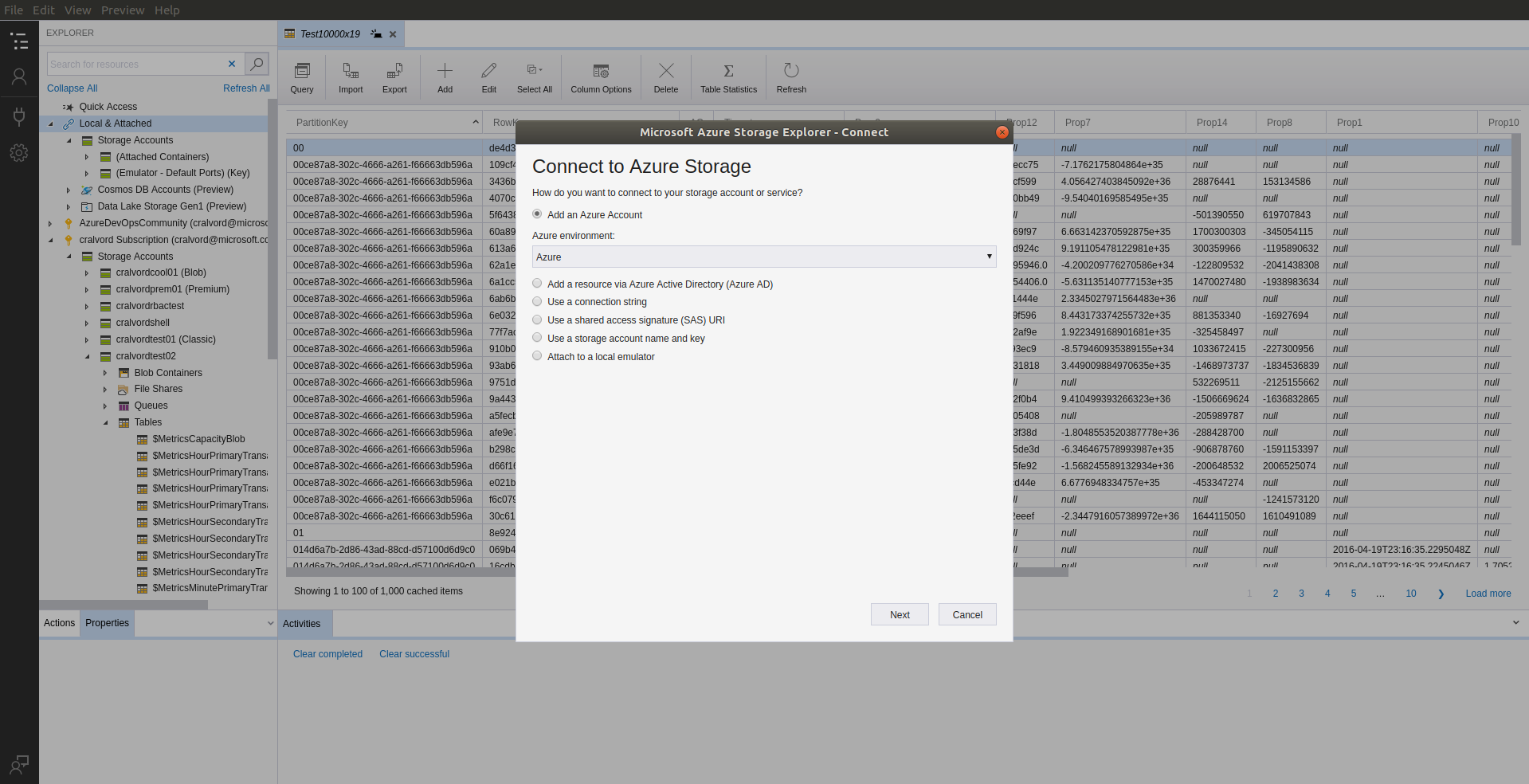
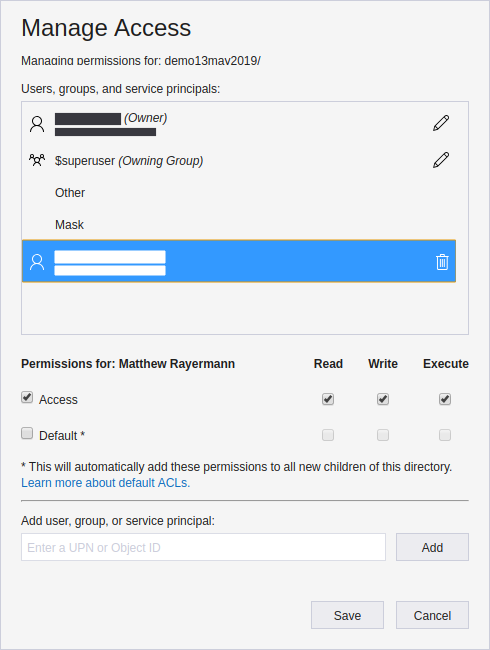
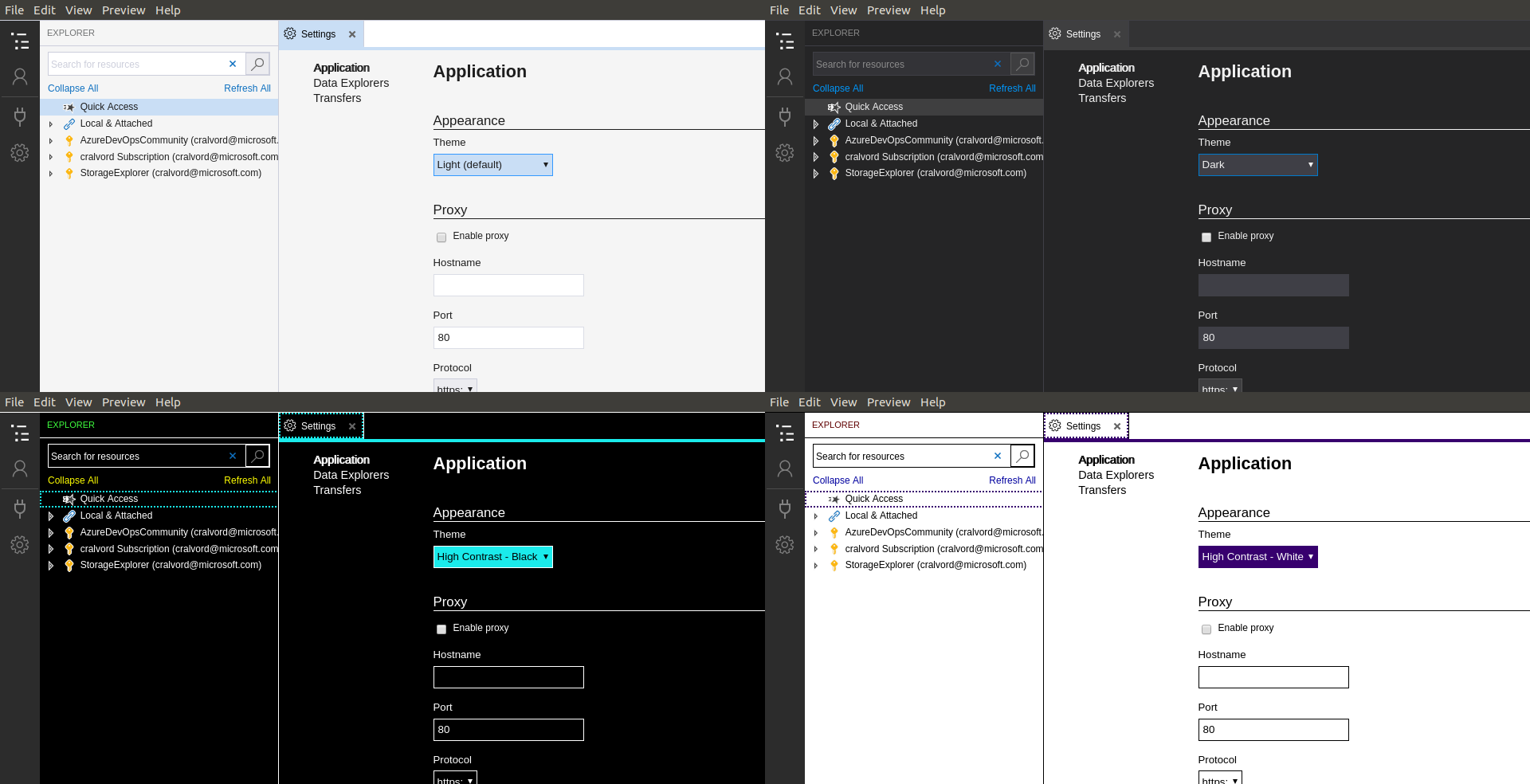
Upload, download, and manage Azure blobs, files, queues, and tables, as well as Azure Cosmos DB and Azure Data Lake Storage entities. Easily access virtual machine disks, and work with either Azure Resource Manager or classic storage accounts. Manage and configure cross-origin resource sharing rules.
- Management for all your storage accounts and multiple subscriptions across Azure, Azure Stack, and government cloud
- Accessible, intuitive, feature-rich graphical user interface (GUI) for full management of cloud storage resources
- Robust security features like cross-origin resource sharing and shared access signature to help protect your data access wherever you are
Learn more at https://azure.microsoft.com/en-us/features/storage-explorer.
Storage Explorer requires the use of a password manager, which may need to be connected manually before Storage Explorer will work correctly. You can connect Storage Explorer to your system's password manager with the following command:
- Management for all your storage accounts and multiple subscriptions across Azure, Azure Stack, and government cloud
- Accessible, intuitive, feature-rich graphical user interface (GUI) for full management of cloud storage resources
- Robust security features like cross-origin resource sharing and shared access signature to help protect your data access wherever you are
Learn more at https://azure.microsoft.com/en-us/features/storage-explorer.
Storage Explorer requires the use of a password manager, which may need to be connected manually before Storage Explorer will work correctly. You can connect Storage Explorer to your system's password manager with the following command:
snap connect storage-explorer:password-manager-service :password-manager-serviceUpdate History
1.45.0 (80) → 1.46.0 (81)31 Aug 2026, 22:45 UTC
1.44.0 (79) → 1.45.0 (80)30 Jul 2026, 23:45 UTC
1.43.0 (78) → 1.44.0 (79)29 Jun 2026, 21:30 UTC
1.42.0 (77) → 1.43.0 (78)7 Apr 2026, 23:57 UTC
1.41.1 (76) → 1.42.0 (77)17 Mar 2026, 23:45 UTC
1.41.0 (75) → 1.41.1 (76)17 Feb 2026, 21:49 UTC
12 Jun 2019, 20:10 UTC
31 Aug 2026, 21:40 UTC
13 Dec 2025, 09:47 UTC