
1.0.2394.1 MB
unset
strict
core20
teams-linux
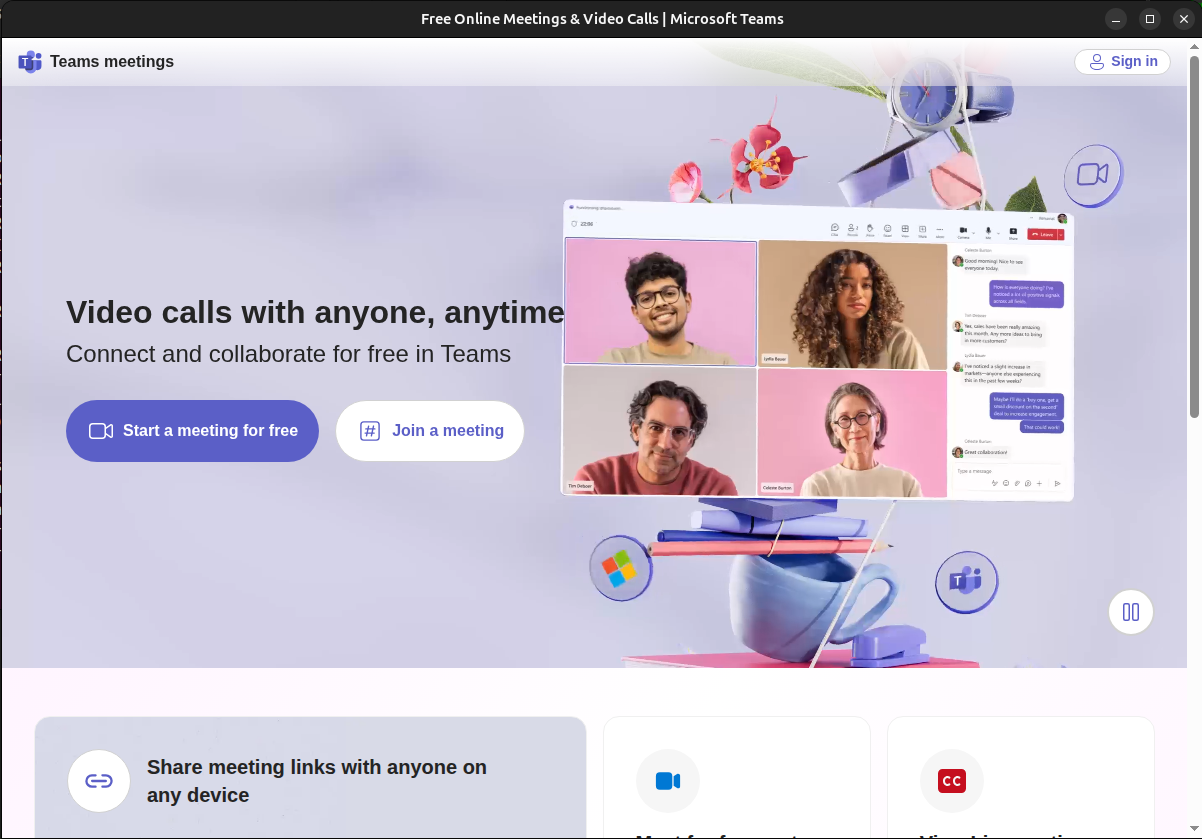
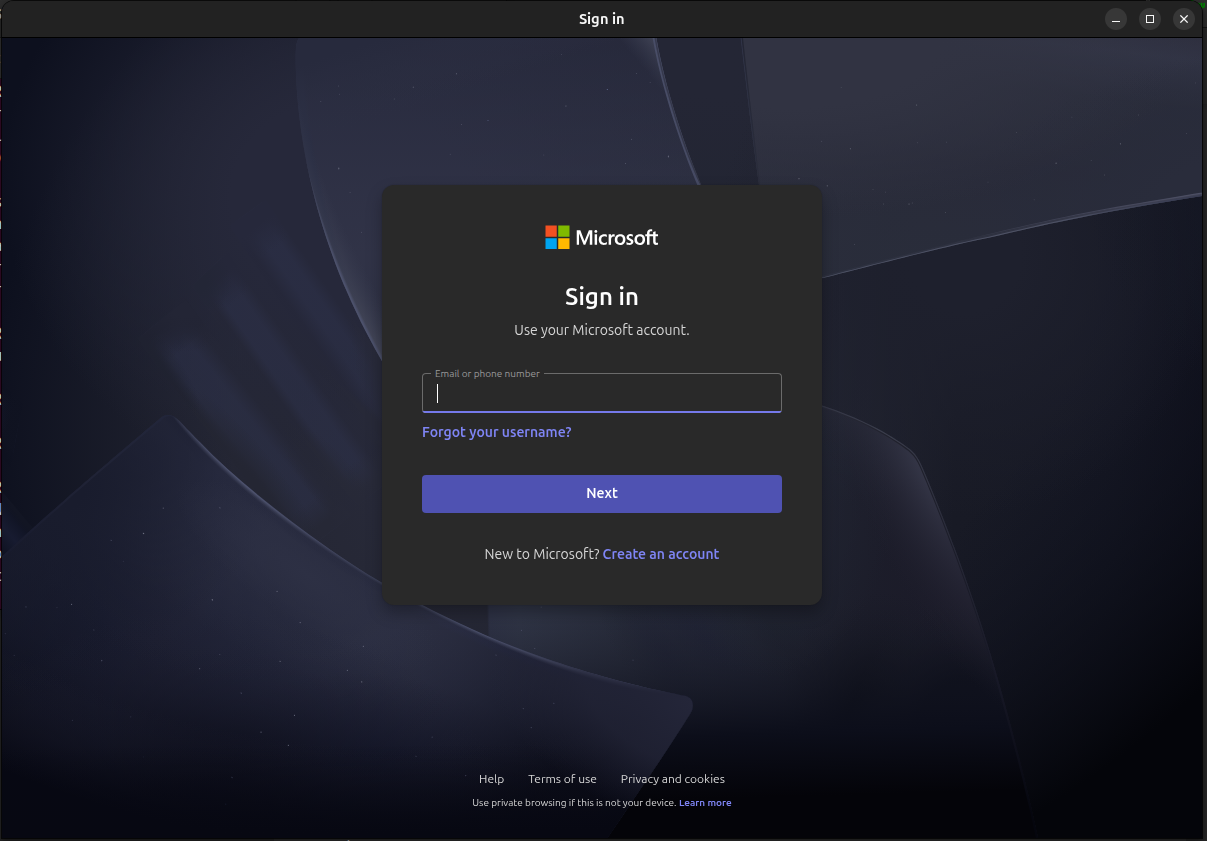
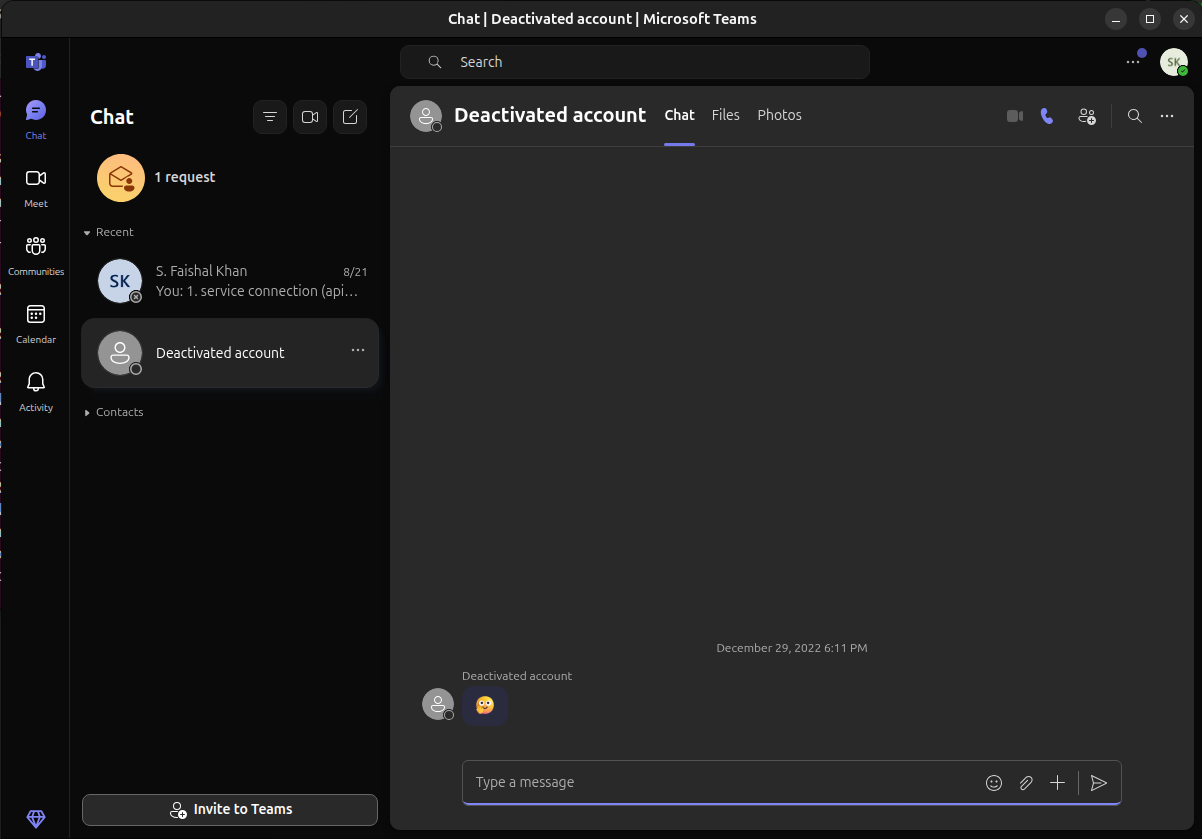
Unofficial Microsoft Teams for Linux client
Stay connected, organized, and productive with teams linux.
This application brings together messaging, collaboration, and productivity tools in one convenient place. Whether you’re chatting with friends, coordinating with your team, or managing your tasks, teams linux helps you do it all effortlessly.
✨ Features
Instant Messaging – Chat in real-time with individuals or groups.
Productivity Tools – Keep track of tasks, notes, and important updates.
Easy to Use – A clean and intuitive interface that just works.
Cross-platform – Works seamlessly across desktop environments.
Secure & Reliable – Your conversations and data stay private.
🖥️ How to Launch
Command to Install :
snap install teams-linux
📹 Enabling Video Calls and Audio (Required Setup) To use video calls, voice calls, and microphone features in Teams, you need to manually enable camera and audio permissions after installation:
sudo snap connect teams-linux:camera
sudo snap connect teams-linux:audio-record
sudo snap connect teams-linux:audio-playback
sudo snap connect teams-linux:pulseaudio
Once installed, start the app from your system application menu or by running:
Command to Launch Application:
teams-linux
Stay connected, organized, and productive with teams linux.
This application brings together messaging, collaboration, and productivity tools in one convenient place. Whether you’re chatting with friends, coordinating with your team, or managing your tasks, teams linux helps you do it all effortlessly.
✨ Features
Instant Messaging – Chat in real-time with individuals or groups.
Productivity Tools – Keep track of tasks, notes, and important updates.
Easy to Use – A clean and intuitive interface that just works.
Cross-platform – Works seamlessly across desktop environments.
Secure & Reliable – Your conversations and data stay private.
🖥️ How to Launch
Command to Install :
snap install teams-linux
📹 Enabling Video Calls and Audio (Required Setup) To use video calls, voice calls, and microphone features in Teams, you need to manually enable camera and audio permissions after installation:
sudo snap connect teams-linux:camera
sudo snap connect teams-linux:audio-record
sudo snap connect teams-linux:audio-playback
sudo snap connect teams-linux:pulseaudio
Once installed, start the app from your system application menu or by running:
Command to Launch Application:
teams-linux
Update History
1.0.2 (3)13 Dec 2025, 09:47 UTC
23 Aug 2025, 12:46 UTC
23 Aug 2025, 13:54 UTC
13 Dec 2025, 09:47 UTC