
0.7.042121.3 MB
Proprietary
strict
core18
Vizy

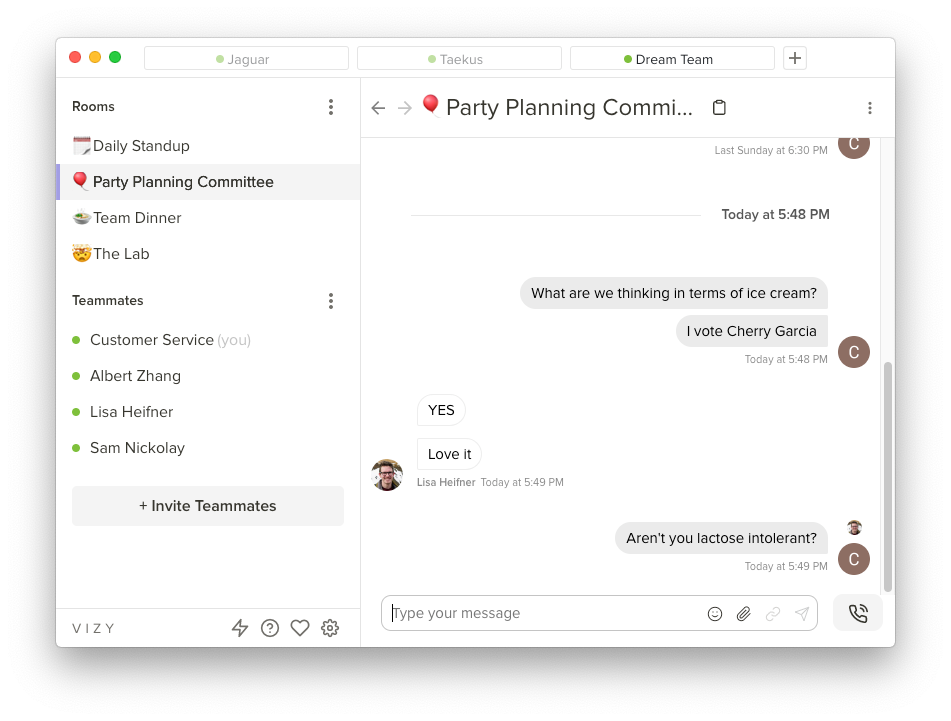

An all-in-one virtual office for remote teams.
Installation + Snap Interface Connection:
After installing the Vizy snap on your computer, it is necessary to connect additional interfaces to fully utilize all the features that Vizy offers. To do so, run the following commands in a terminal
If you have any questions or issues, please reach out to us at help@vizy.io
Installation + Snap Interface Connection:
After installing the Vizy snap on your computer, it is necessary to connect additional interfaces to fully utilize all the features that Vizy offers. To do so, run the following commands in a terminal
sudo snap connect vizy:camera :camerasudo snap connect vizy:audio-record :audio-recordsudo snap connect vizy:pulseaudio :pulseaudiosudo snap connect vizy:password-manager-service :password-manager-servicesudo snap connect vizy:personal-files :personal-filesIf you have any questions or issues, please reach out to us at help@vizy.io
Update History
0.7.0 (42)13 Dec 2025, 09:47 UTC
6 Aug 2020, 00:20 UTC
4 Nov 2020, 02:19 UTC
13 Dec 2025, 09:47 UTC