
0.1.064.6 MB
MIT
strict
core22
Chess board in your terminal.
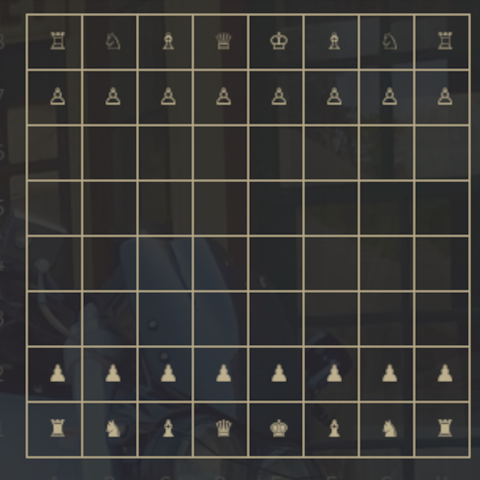
Chess board in your terminal.
You'll need to connect the interfaces:
Usage:
Available Commands:
Flags:
Use
Networked Play
You can play chess with gambit over
You can host your own gambit SSH server with:
Or, use the hosted gambit server at chess.fyi:
Move
There are two ways to move in gambit:
You'll need to connect the interfaces:
sudo snap connect gambit:ssh-keyssudo snap connect gambit:ssh-public-keysUsage:
gambitgambit [command]Available Commands:
completion Generate the autocompletion script for the specified shellhelp Help about any commandserve Start a Gambit serverFlags:
-h, --help help for gambit
-v, --version version for gambitUse
gambit [command] --help for more information about a command.Networked Play
You can play chess with gambit over
ssh.ssh user@host -p <port> -t <room> [<password>]You can host your own gambit SSH server with:
gambit serveOr, use the hosted gambit server at chess.fyi:
ssh user@chess.fyi -p 2200 -t foobar passwordMove
There are two ways to move in gambit:
- Type out the square the piece you want to move is on, then type out the square to which you want to move the piece.
- With the mouse, click on the target piece and target square.
Update History
0.1.0 (6)13 Dec 2025, 09:47 UTC
10 Sept 2022, 03:45 UTC
10 Sept 2022, 03:50 UTC
13 Dec 2025, 09:47 UTC