1.0.2350.9 MB
MIT
strict
core18
view images without distractions
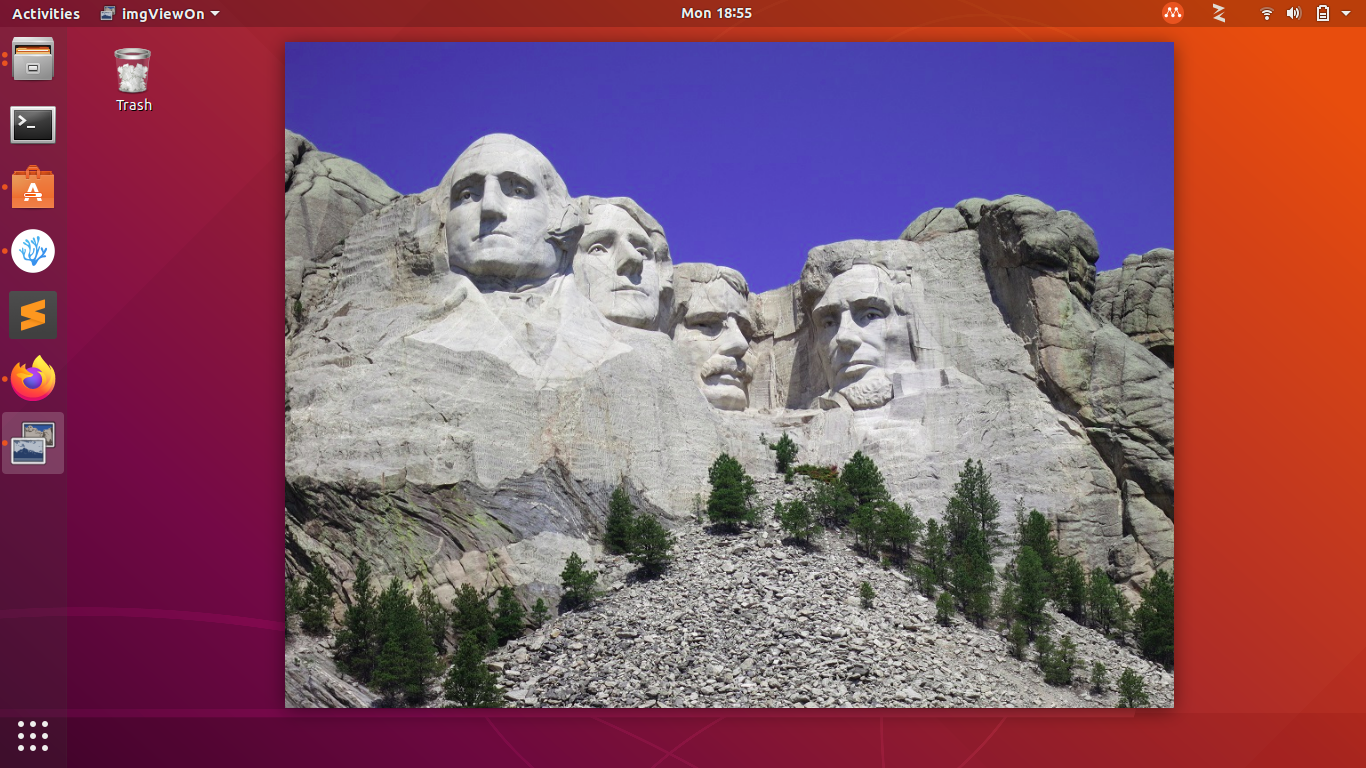

imgViewOn is meant to be your default operating system image file viewer and will open the major image file types (jpeg, png, gif, bmp and several others.) It will quickly display the image file without a border or top menu bar.
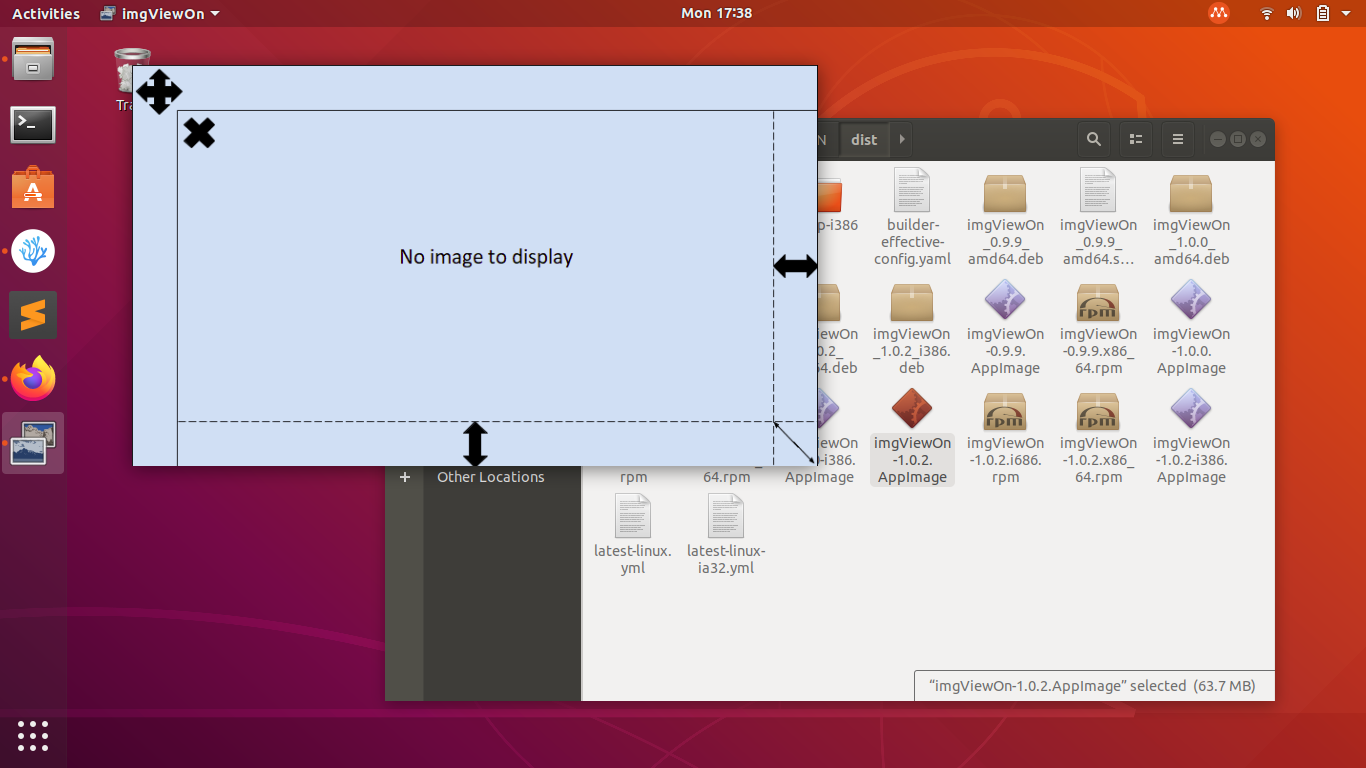
After installation set your image files assocations to open with imgViewOn. When an image is opened using imgViewOn you can edit the window/image size with the bottom, right, and bottom-right sides of the window. The window/image will scale depending on the original aspect ratio. Large images will scale down depending on the screen size you are viewing on for better visibility.
After installation set your image files assocations to open with imgViewOn. When an image is opened using imgViewOn you can edit the window/image size with the bottom, right, and bottom-right sides of the window. The window/image will scale depending on the original aspect ratio. Large images will scale down depending on the screen size you are viewing on for better visibility.
Update History
1.0.2 (3)13 Dec 2025, 09:47 UTC
25 Jan 2020, 05:20 UTC
4 Feb 2020, 00:35 UTC
13 Dec 2025, 09:47 UTC