
1.2.3833.6 MB
GPL-2.0-only
strict
core22
Paint in 3D using solid shaded voxels!
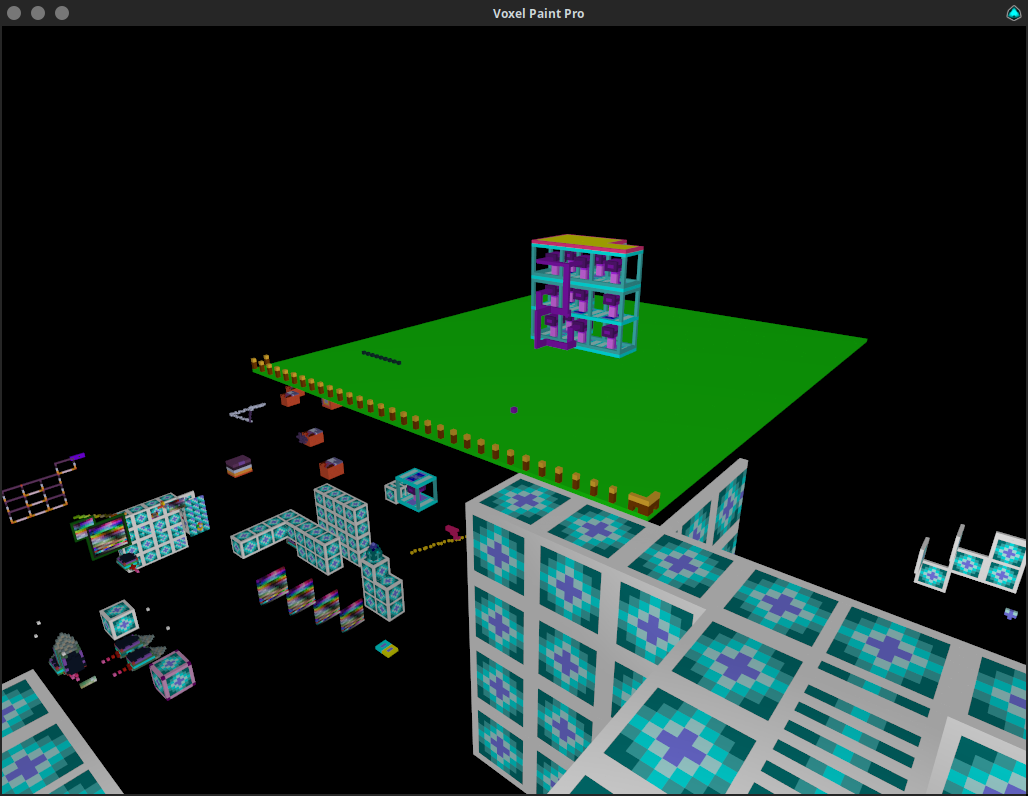

Mouse locks when you click on the game window, press ESCAPE to unlock the mouse.
Multi-select:
Arrow Keys can be used to move the view around.
Your state is automatically saved on exit.
Sensitivity as the 1st command line parameter default is 0.003
- W,A,S,D = Move around based on relative orientation to X and Y.
- SPACE + L-SHIFT = Move up and down relative Z.
- Left Click / R-SHIFT = Place node.
- Right Click / R-CTRL = Delete node.
- Tab = Teleports you from colour palette to last position and vice-versa.
- Q / Middle Click / Mouse4 = Clone texture of pointed node.
- E / Mouse5 = Replace pointed node.
- R = Places node at your current position.
- F = Toggle player fast speed on and off.
- 1-7 = Change move speed for selected fast state.
- X + C / Slash + Quote = Change texture of pointed node.
- G = Gravity on/off.
- P = Toggle pitch lock.
- F1 = Resets environment state back to default.
- F3 = Save. (auto saves on exit, backup made if idle for 3 mins.)
- F8 = Load. (will erase what you have done since the last save)
Multi-select:
- Middle Mouse Click & Drag or Mouse4 & Drag (or Q and drag) to select area.
- V = Copies the selected nodes to the currently pointed position, the point you started the selection from is the point you will copy from at the new pointed location.
- T = Copies the selected nodes to the currently pointed position, but each time you press T it will iterate one of 24 rotations.
- Y = Shoots an array of the selected nodes in the direction you are facing in 24 different rotations. Pick the one you want.
- B = Fill selected nodes with selected color.
- N = Delete selected nodes.
Arrow Keys can be used to move the view around.
Your state is automatically saved on exit.
Sensitivity as the 1st command line parameter default is 0.003
./voxelpaintpro 0.003.Update History
1.2.3 (83)13 Dec 2025, 09:47 UTC
6 Aug 2023, 06:51 UTC
18 Jan 2024, 14:07 UTC
13 Dec 2025, 09:47 UTC